What's new in NeetoCal


image_aFIXh0lnw.png

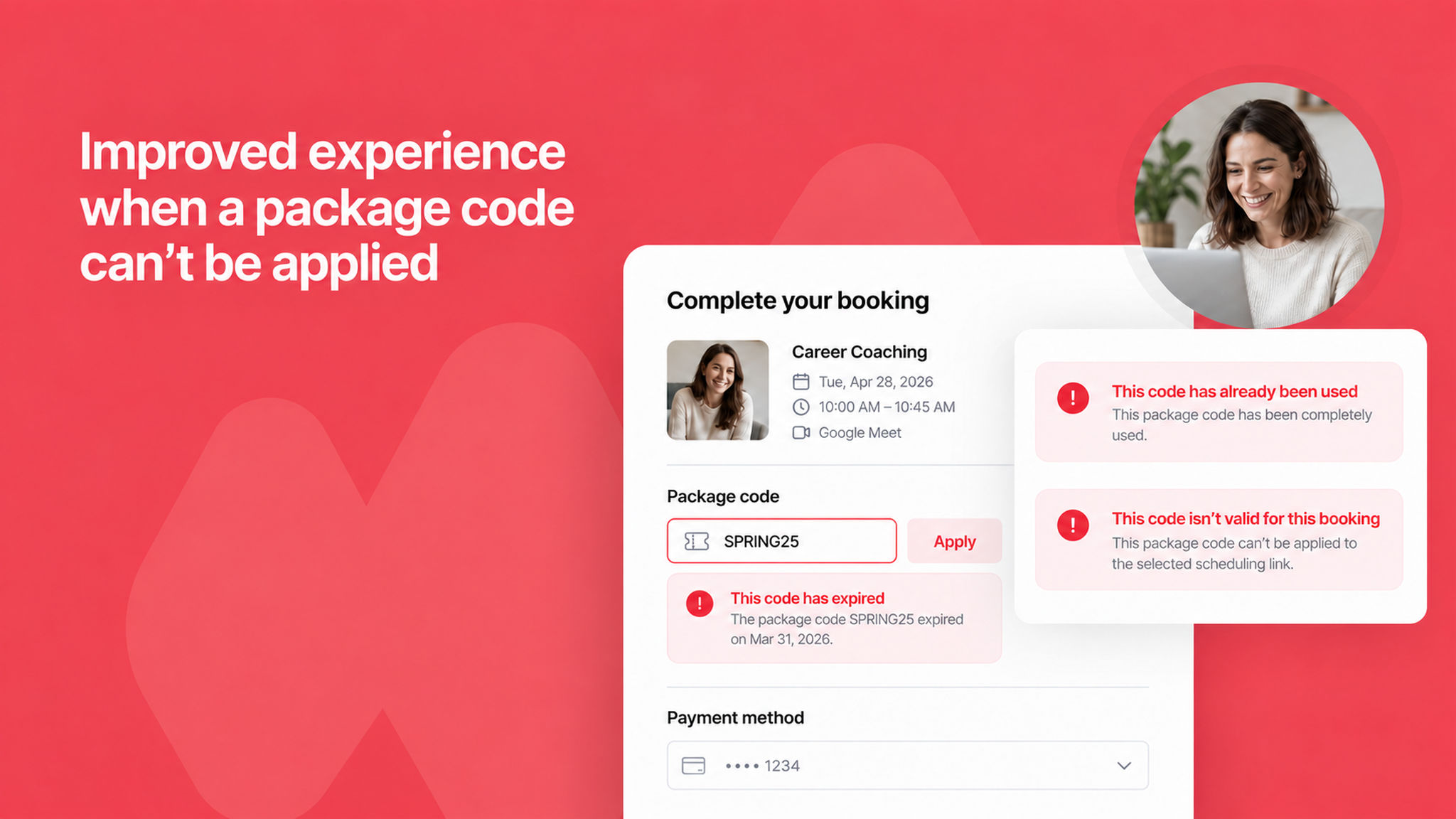
When a client enters a package code during booking, NeetoCal now shows a clear and helpful message explaining why the code can't be applied, whether it's expired, already completely used, or not valid for the selected scheduling link.

Previously, clients would see a generic error with no context, leaving them unsure about what went wrong. The updated messages help clients understand the issue right away and take the right next step, like reaching out to the host or purchasing a new package.

To learn more about packages, read our help article.


image_HWNt989g1.png

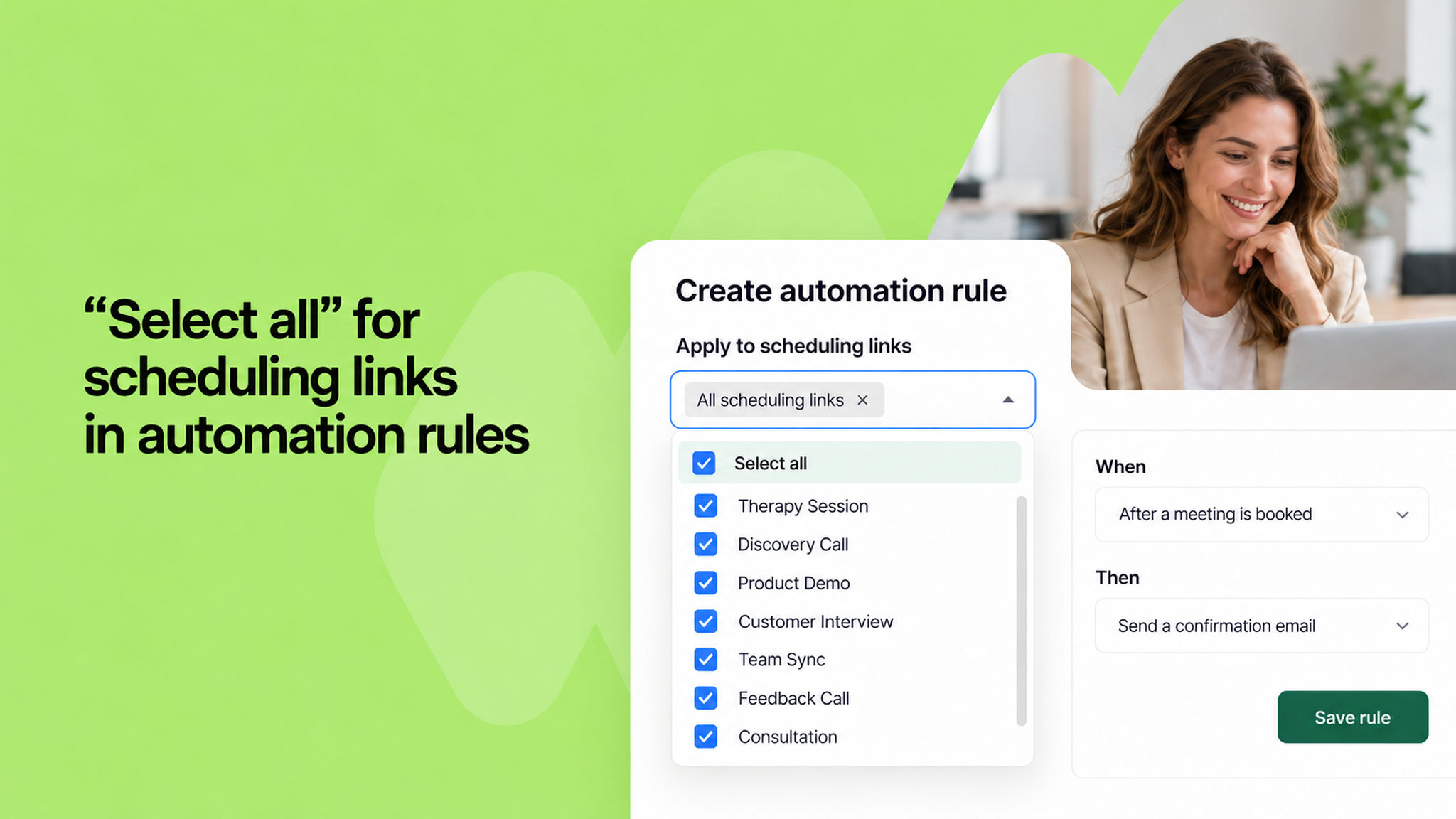
When setting up an automation rule, you can now select all scheduling links at once with a single click. Previously, if you had a large number of scheduling links, you had to pick them one by one, which was time-consuming and easy to miss.

The new "Select all" option at the top of the dropdown saves you the effort, especially when you want a rule to apply across your entire workspace.

To learn more about automation rules, read our help article.


image_Xzq1J0tRb.png

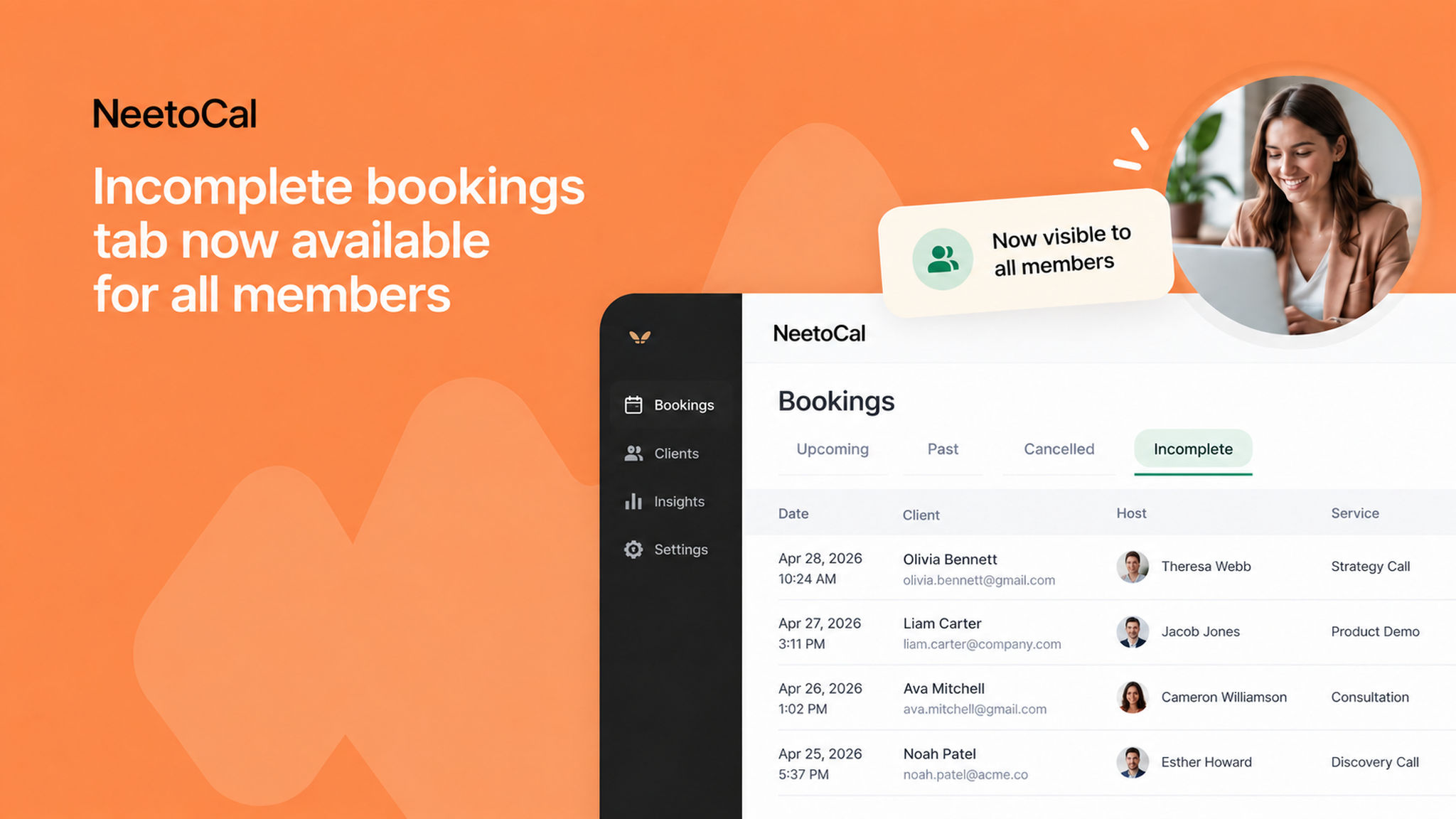
The Incomplete bookings tab is no longer limited to admins. All hosts in your workspace can now see their own incomplete bookings, those where a client started the booking process but didn't finish.

This makes it easier for individual hosts to follow up with potential clients without having to ask an admin. For admins, a Host column has also been added to the Incomplete tab, so you can quickly see which host each abandoned booking belongs to.

To learn more about incomplete bookings, read our help article.


image_NJs24YfBs.png

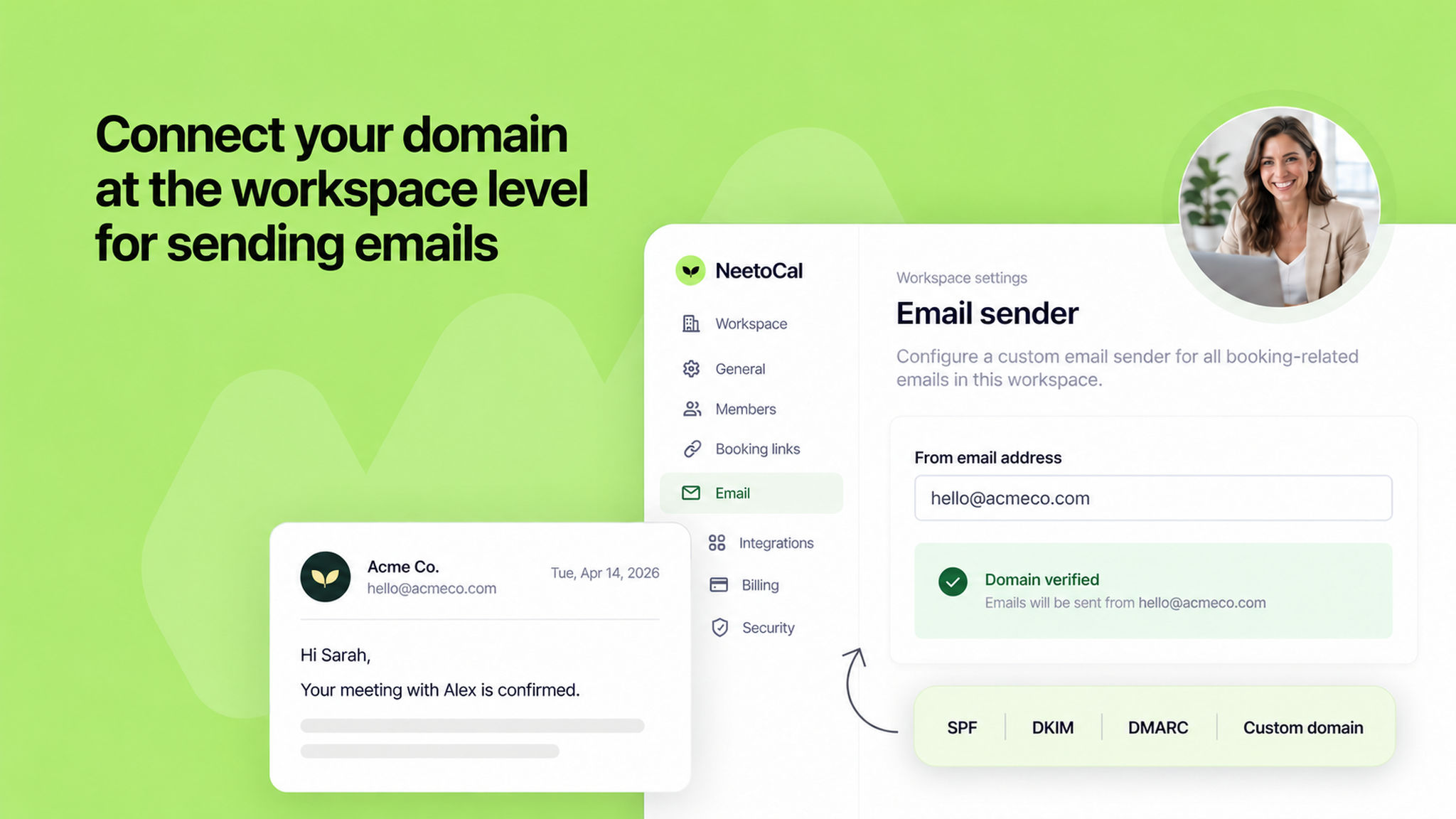
Admins can now configure a custom email sender at the workspace level, so all booking-related emails, such as confirmations, reminders, cancellations, and reschedules, are sent from your own domain.

This helps maintain a consistent, branded experience for your clients across every communication. You connect one email account from the Admin Panel and it applies to all hosts and scheduling links across the workspace.

NeetoCal supports Gmail, Outlook, custom email providers (DKIM/DNS), and SMTP for this setup.

To learn how to set this up, read our help article.


image_cS5YK_Nn0.png

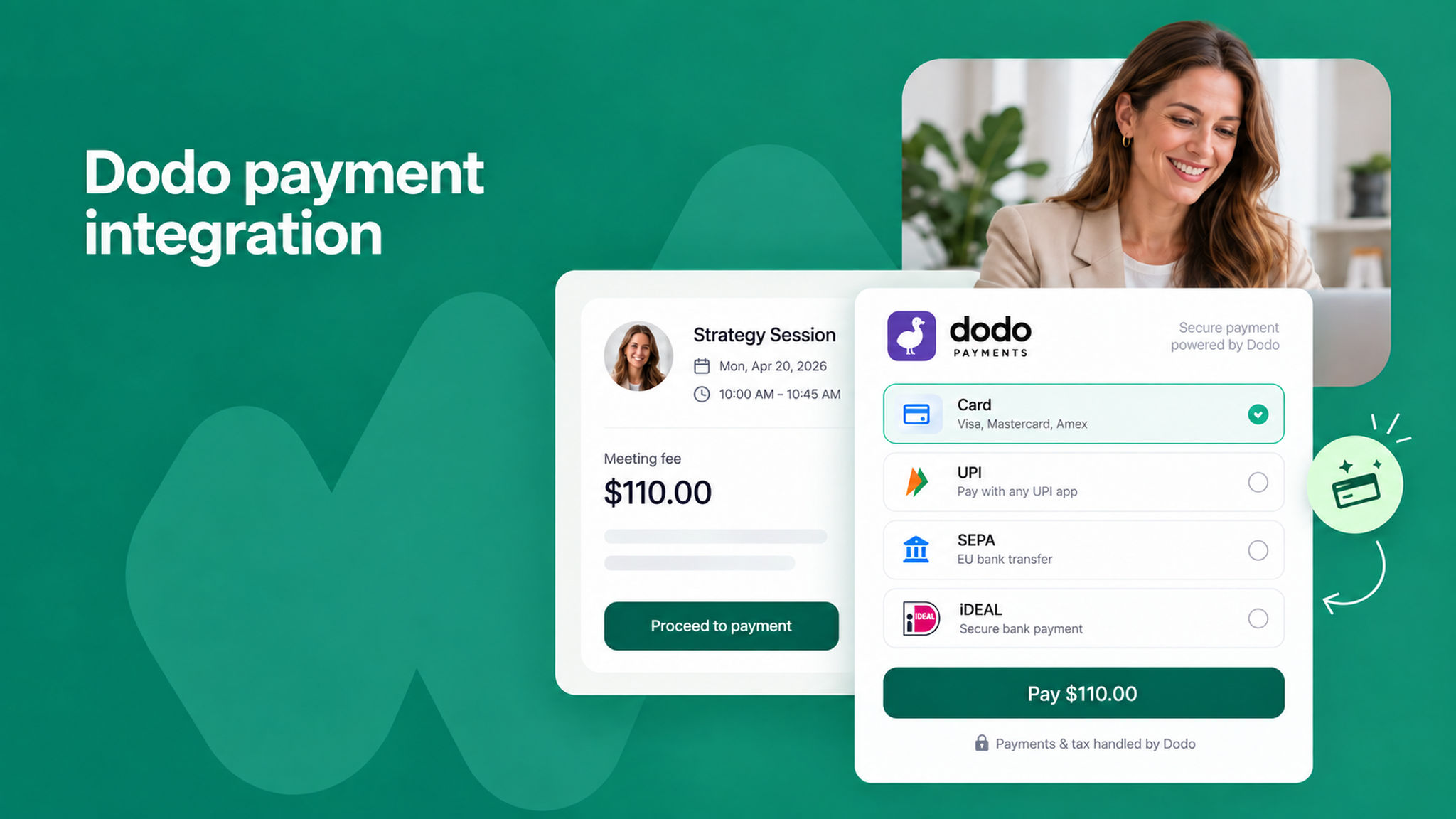
You can now accept payments through Dodo Payments for your scheduled meetings. Dodo Payments is a global payment platform that lets you collect payments from clients in 220+ countries and 80+ currencies, with built-in local methods like cards, UPI, SEPA, and iDEAL.

This is especially useful for founders in India who cannot easily onboard to Stripe, or anyone selling services internationally who wants to be paid in USD, EUR, or GBP without setting up a US entity.

Since Dodo Payments is a Merchant of Record, it also handles VAT, GST, and sales tax on your behalf, so you don't need to manage tax compliance country by country.

This works with both a charge before meeting and a full upfront payment for recurring meetings.

To learn how to set this up, read our help article.


image_uGV3LnWTW.png

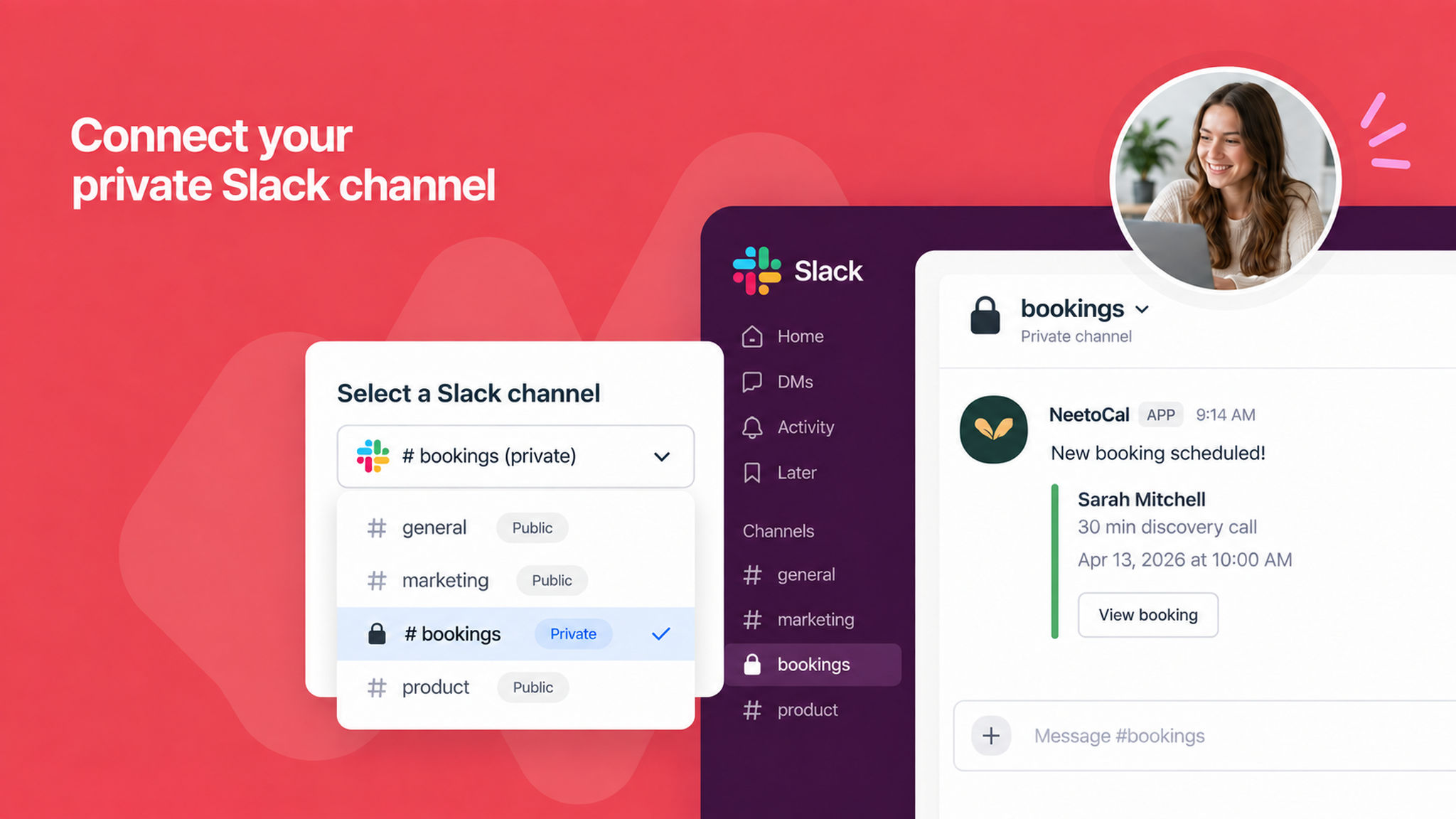
You can now send booking notifications to private Slack channels in NeetoCal. Previously, only public channels were available when setting up the Slack integration. Now, you can connect any private channel by adding the NeetoCal app to that channel in Slack, and it will automatically appear in the channel dropdown.

Private channels are clearly labeled so you can easily tell them apart from public ones.

If you have an existing Slack integration, you'll need to disconnect and reconnect it once to enable this feature.

To learn how to set this up, read our help article.


image__m64y35VT.png

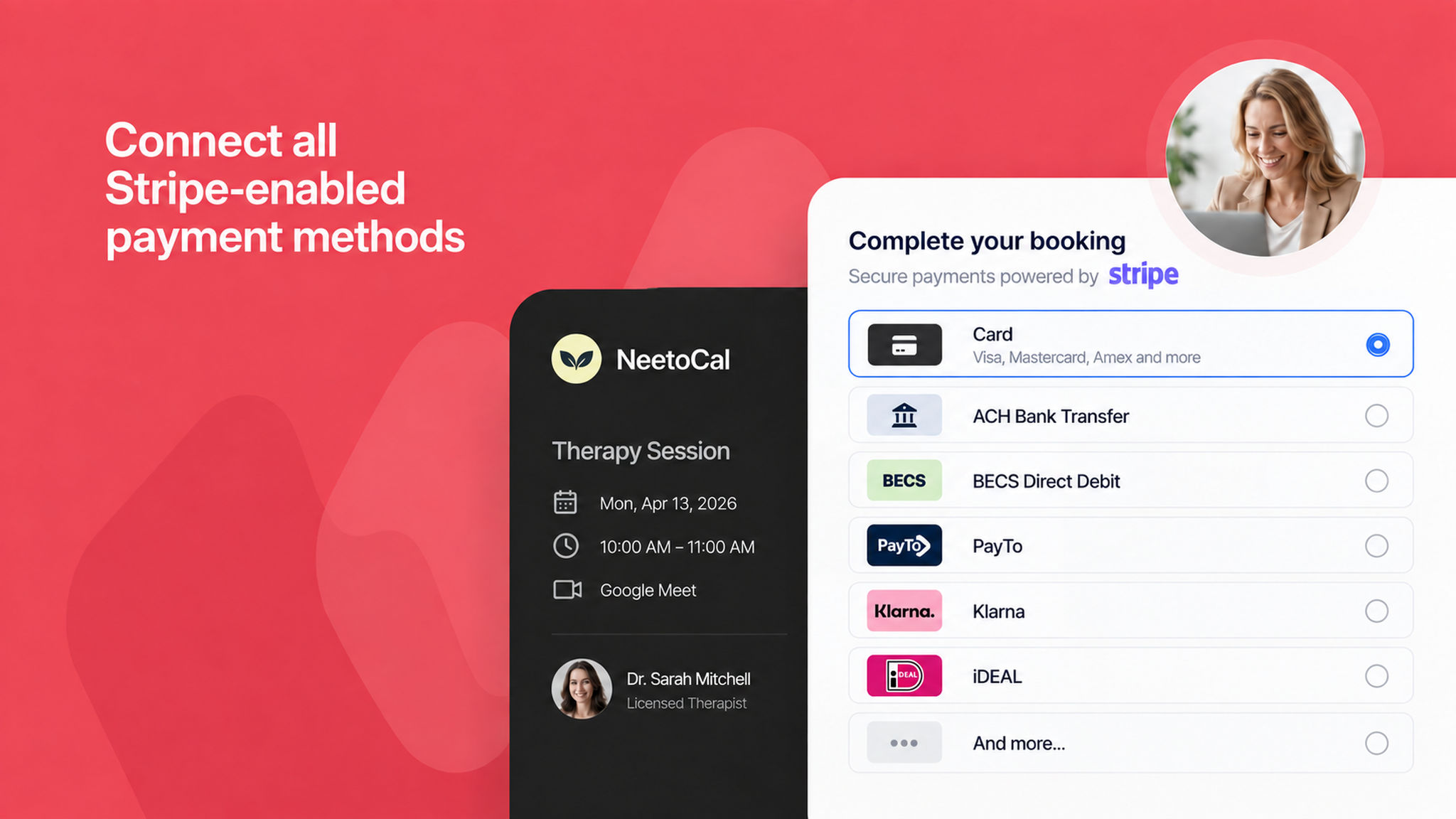
NeetoCal now automatically displays all payment methods you've enabled in your Stripe dashboard, including options like BECS Direct Debit, PayTo, Klarna, iDEAL, and more. Previously, only card and ACH payments were available. Now, Stripe intelligently determines which payment methods to show based on your dashboard settings, the transaction currency, and your client's region. There's nothing you need to configure on the NeetoCal side, just enable the payment methods you want in your Stripe account, and they'll appear on your booking pages automatically.

To learn more about connecting Stripe, read our help article.


You can now create packages based on the number of bookings rather than the total duration. Previously, packages were only duration-based, clients would consume minutes from a pool until it ran out. With booking-based packages, clients simply purchase a fixed number of sessions, like "4 coaching sessions" or "10 consultation calls," regardless of how long each meeting lasts.

This is especially useful for session-based services like coaching, therapy, or consulting, where thinking in terms of sessions is more natural than tracking minutes. For group bookings, each reserved spot counts as one booking, and for recurring meetings, each occurrence is deducted individually. Hosts can also manually adjust the remaining booking count from the purchase detail page if needed.

To learn more about package types, read our help article.


You can now change the slug of a scheduling link even after it has been created. Previously, the slug was locked once a meeting was set up, requiring you to create an entirely new scheduling link if you wanted a different URL. Now you can update the slug at any time, useful if you want to rebrand a link or revoke access by changing the URL so the old URL will no longer be accessible.


image_N0O9gd2A3.png

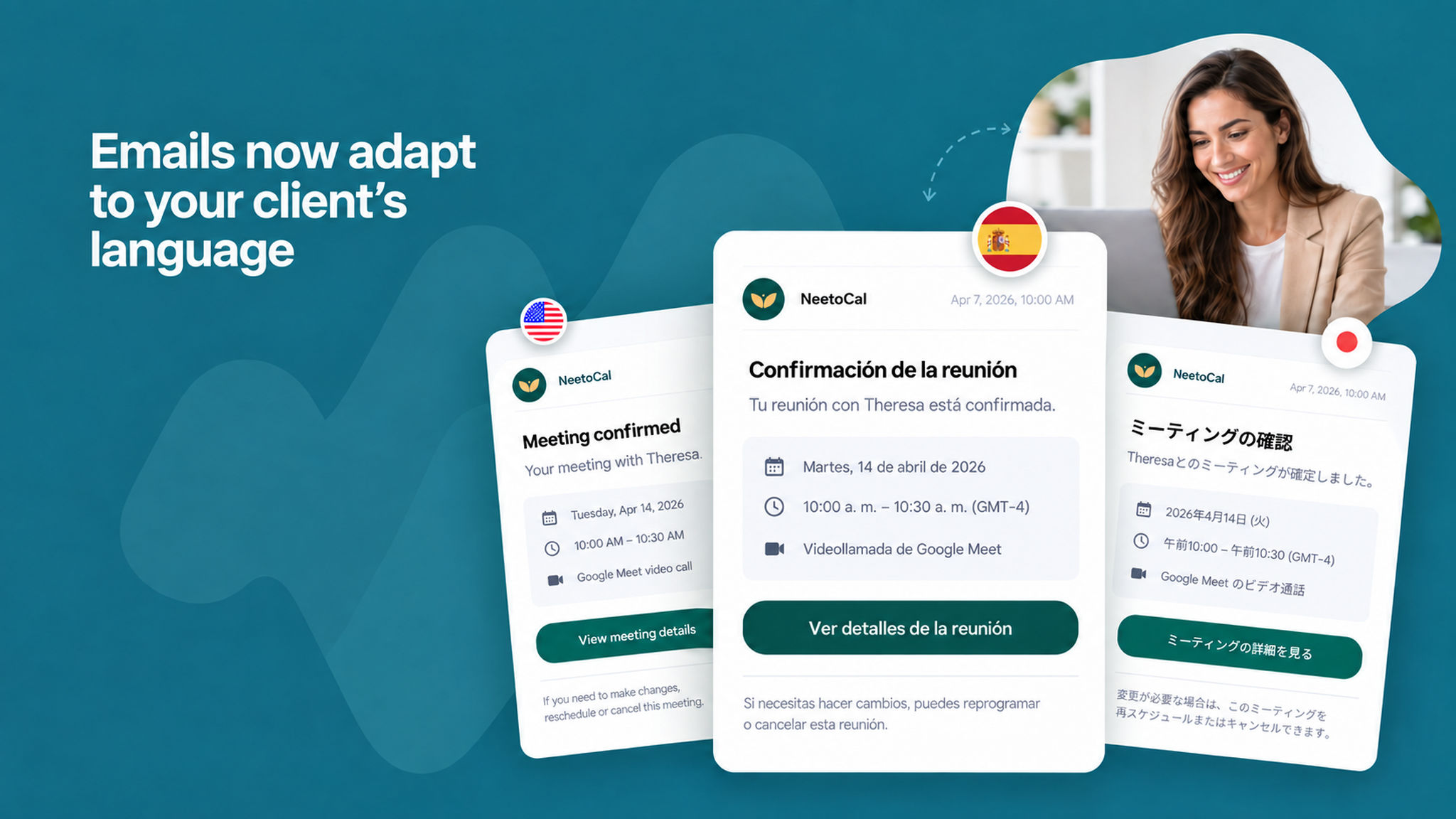
NeetoCal now translates all standard email content based on your client’s selected language, making communication clearer and more personalized for global users.

This includes elements like booking details, time, date, buttons, and system-generated text—so your clients receive emails in a language they understand.

From the moment they start booking to the emails they receive, the entire experience now stays consistent in the same language, creating a cohesive experience for your clients.

Your custom text, however, will remain unchanged.