"Select all" option for scheduling links in automation rules
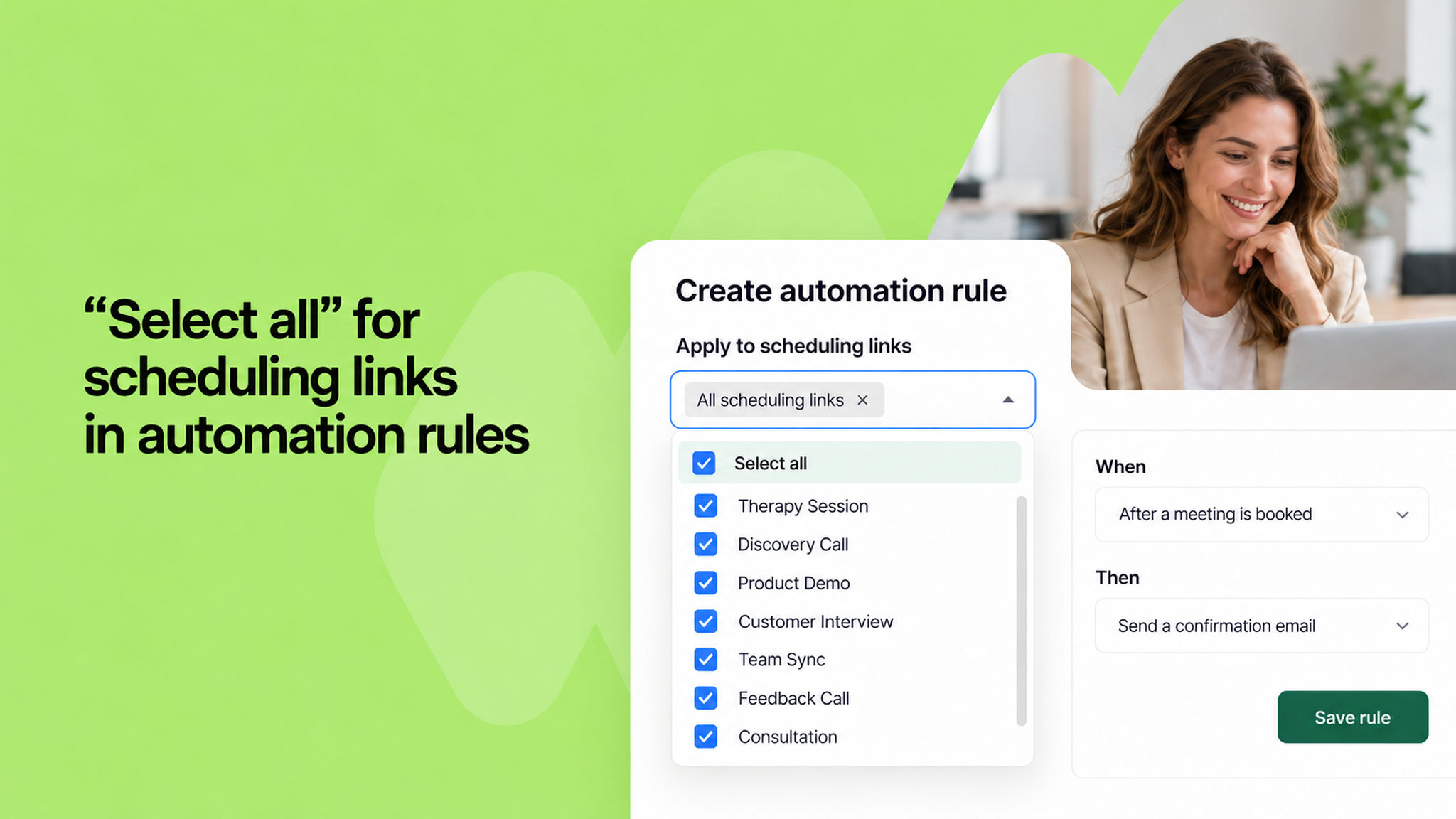
When setting up an automation rule, you can now select all scheduling links at once with a single click. Previously, if you had a large number of scheduling links, you had to pick them one by one, which was time-consuming and easy to miss.
The new "Select all" option at the top of the dropdown saves you the effort, especially when you want a rule to apply across your entire workspace.
To learn more about automation rules, read our .