What's new in NeetoCal


image_Mye2i7C_5g.png

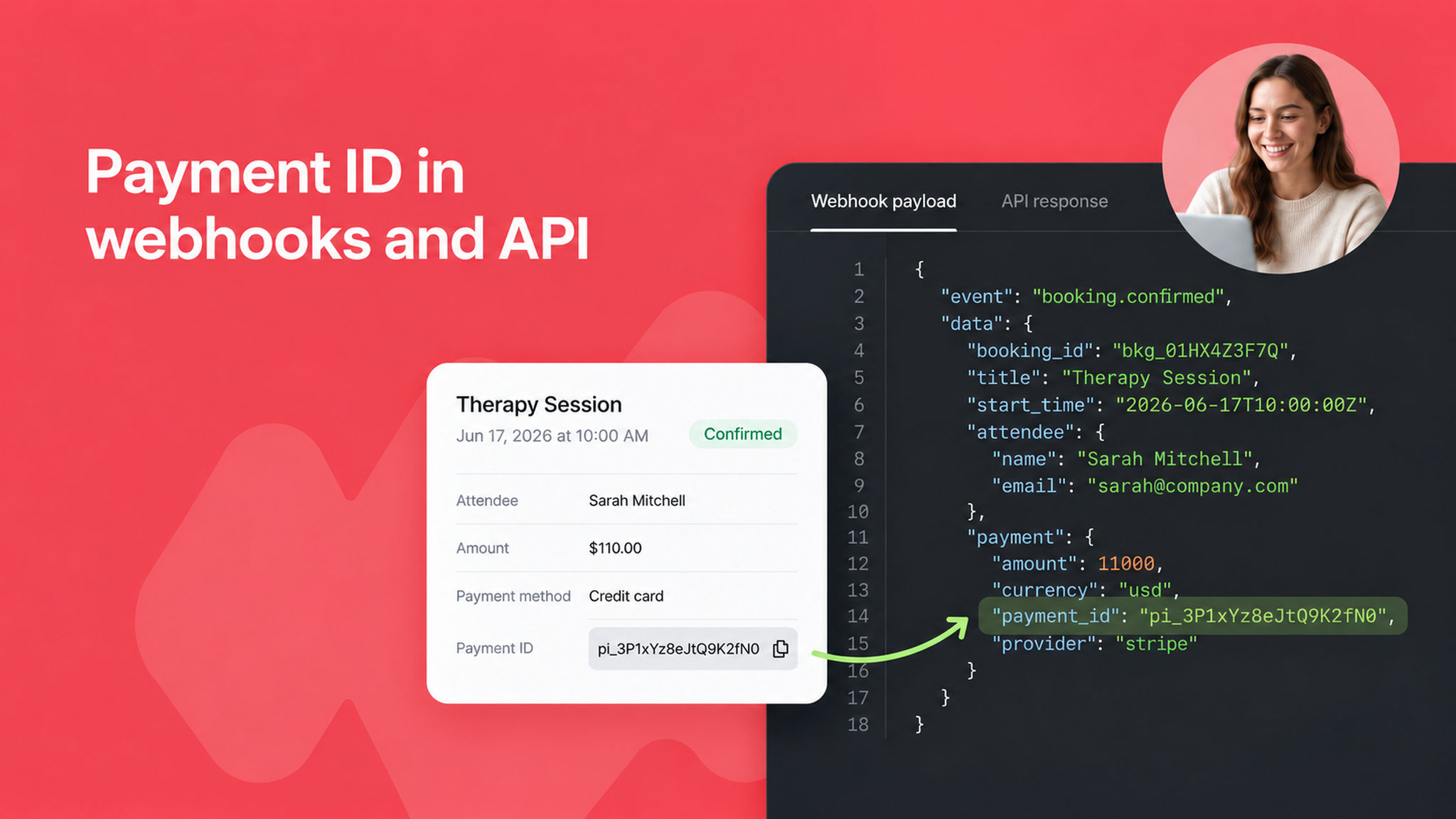
Booking webhooks and API responses now include the payment ID from your payment provider like the Razorpay or Stripe transaction ID.

Previously, only the amount was available, which made it hard to match NeetoCal bookings against records in your payment dashboard.

With the payment ID now included, you can easily reconcile transactions, automate accounting, and trace any payment back to its source.

To learn more about webhooks, read our help article.


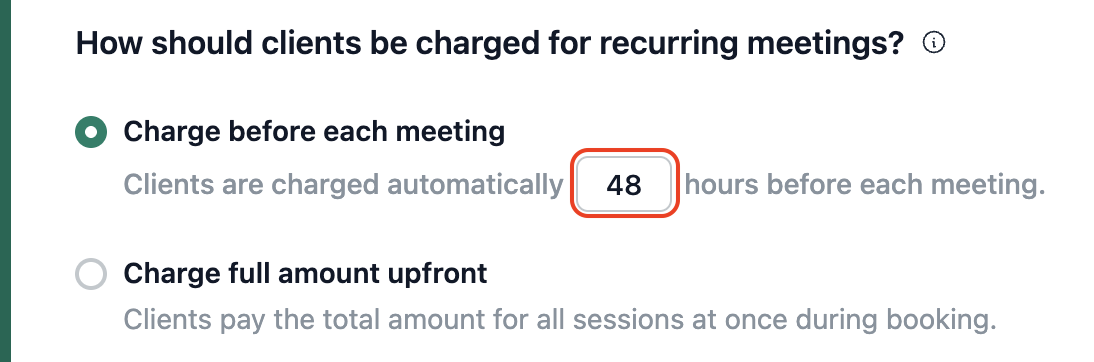
For recurring meetings, you can now choose exactly how many hours before each meeting the client's card is charged.

Earlier this was fixed at 48 hours. Now you can set it to any number of hours from 1 to 168 (up to a week), so every scheduling link gets the lead time it needs — whether that's 6, 12, 24, or 72 hours. The default stays at 48 hours, so your existing meetings are unchanged unless you decide otherwise.

Learn more in our help article on configuring when the card is charged.

image

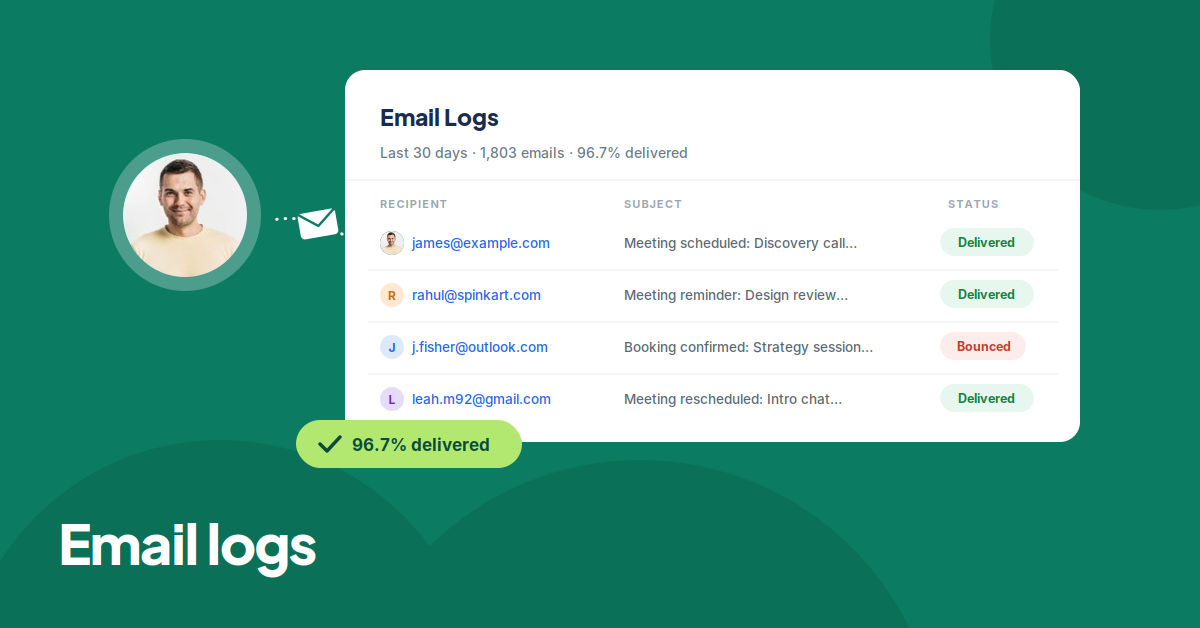
You can now see every email sent to your customers, like confirmations, reminders, and cancellations, in one place. The new Email logs page in the Admin Panel shows the last 30 days of email activity with delivery statistics, and you can search by recipient or filter by status and date.

Clicking an email opens its full delivery timeline, from queued to delivered, along with a preview of the email body. So when a client says they never received a confirmation, you can check exactly what happened instead of guessing.

To learn more, read our help article.
email-logs-cover-v4_VBGfyA_IM.png

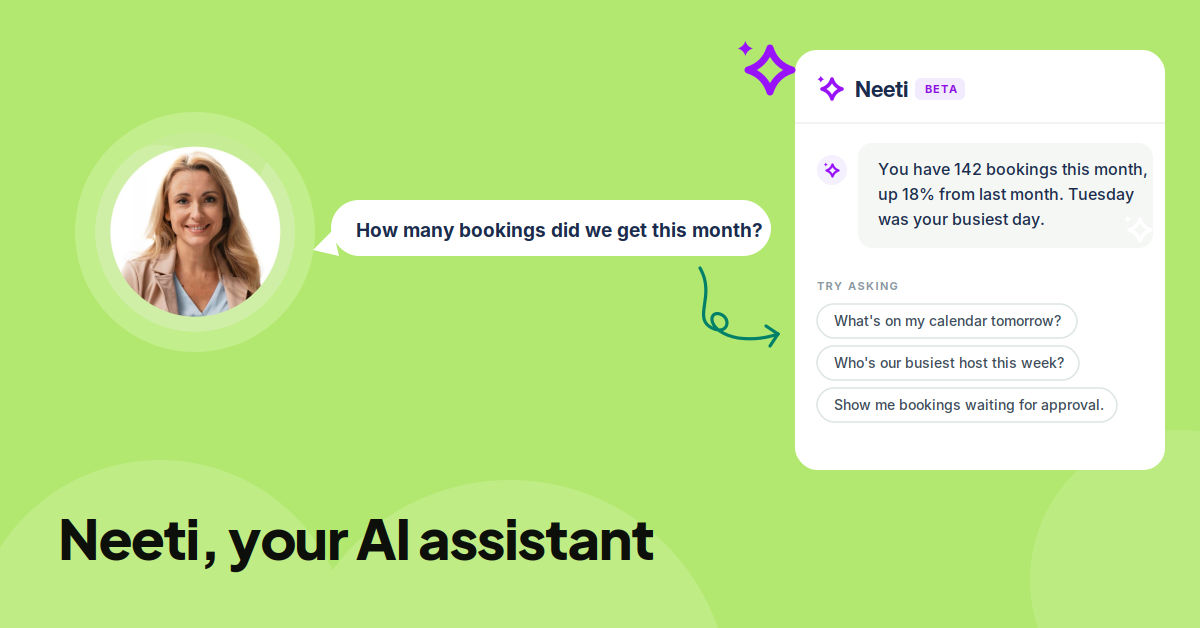
We've launched Neeti, an AI assistant for your workspace. Neeti answers questions about scheduling, troubleshooting, slot management, buffer times, and the kinds of things you'd usually reach out to our support team for. To see Neeti in action, watch the demo.

You can ask Neeti support questions, ask how a particular feature works, or pull reports about your team, like "How many bookings did we get this month?" It usually replies in seconds with detailed answers.

Right now, only admins can use Neeti. If you'd like a team member to try it, change their role to Admin.

Neeti normally needs a Gemini API key to run, but during the beta it's free for everyone; no key, no setup, no cost.

We've given access to a few workspaces to try it out, and if you'd like early access for your workspace, email us at support@neetocal.com.

neeti-cover-1200x628_2X0ubdBMy.png

image_mISIi_LrN.png

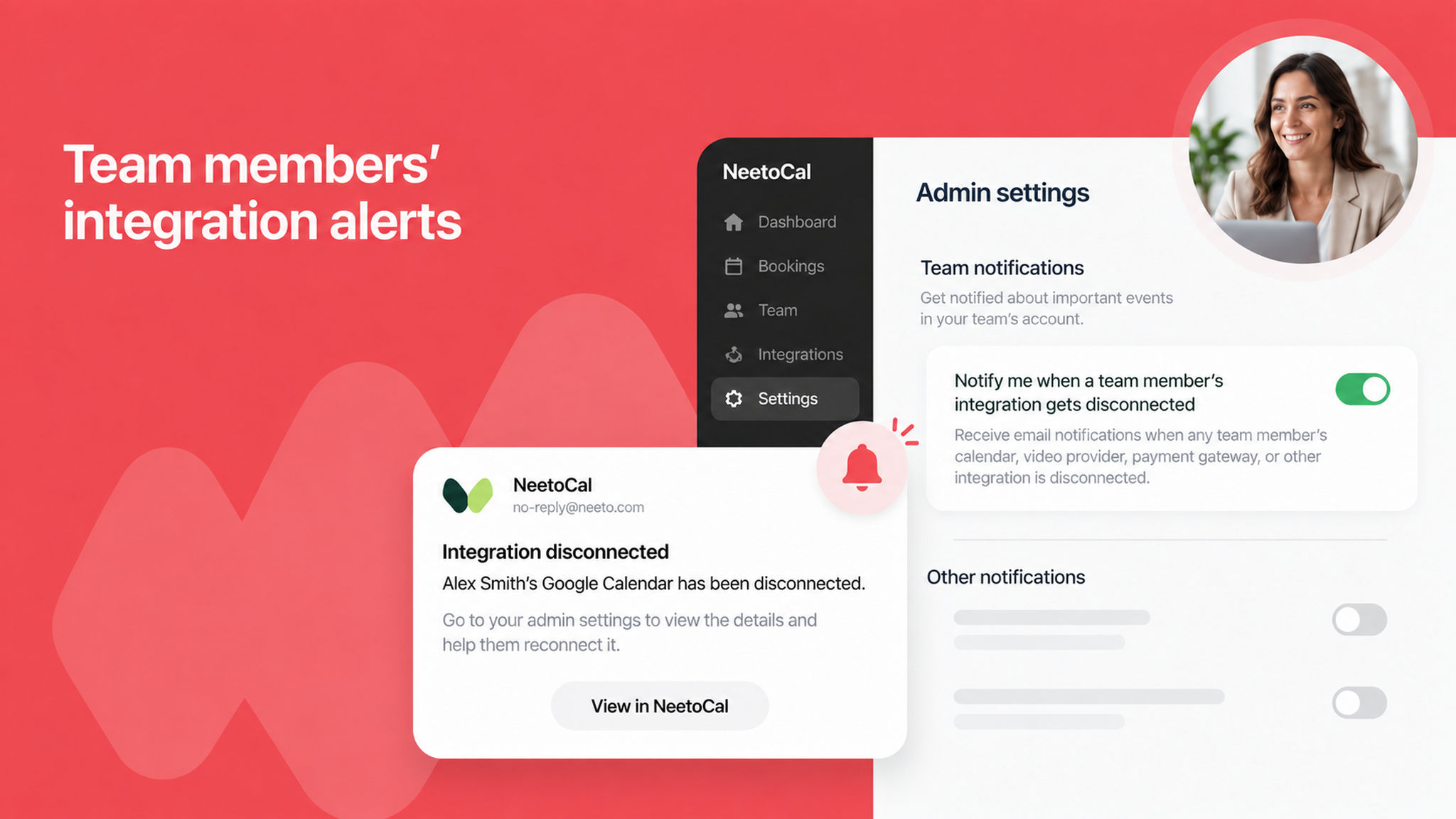
Admins can now opt in to receive email notifications whenever any team member's integration gets disconnected like calendars, video providers, payment gateways, and more.

A new option in the admin settings lets you turn this on, so you can stay informed about disconnections that could affect bookings and step in quickly before they impact your clients.

To learn more, read our help article.

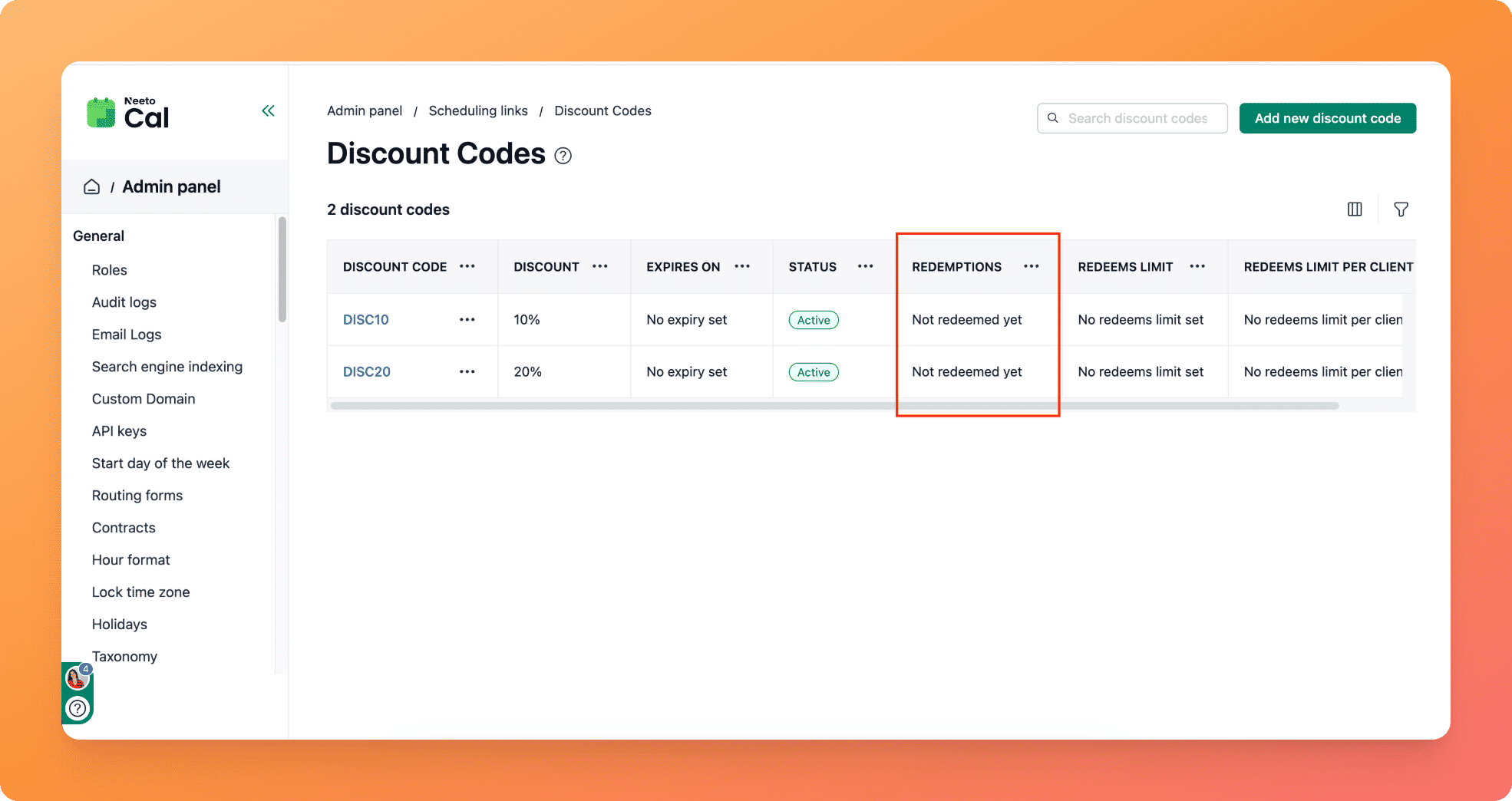
The discount code page now shows a new Redemptions column next to the Status column, so you can see at a glance how many times each code has been used.

Unused codes are clearly labelled as "not redeemed yet."

We've also cleaned up the display by removing redundant redemption-limit details, keeping the page focused on the information that matters most.

To learn more, read our help article.
pawelzmarlak-2026-06-09T12_22_07.734Z__iLuAWZ6L.png

NeetoCal now records audit logs for all integrations, giving you visibility into who connected, updated, or disconnected an integration and when.

This makes it easier to track changes across your workspace and stay on top of important configuration updates for compliance and troubleshooting.

To learn more, read our help article.

You can now pre-fill a discount code on your booking page by passing it through a URL parameter.

Share a link with the code already applied, and your clients see the discount right away and don't have to enter it manually.

This is great for marketing campaigns, partner promotions, and personalized offers where you want to make the discount feel effortless.

To learn more, read our help article.

You can now cancel all bookings for a group meeting at once, instead of handling each attendee's booking individually.

This is a big time-saver when a group session needs to be called off. A few clicks update everyone's booking, send out the necessary notifications, and process refunds if applicable, as per the refund policy set by the host.

To learn more about group meetings, read our help article.


We've redesigned how NeetoCal handles phone number fields and SMS reminders for both clients and hosts, making the setup clearer and more flexible.

Support for multiple phone number fields

You can now have multiple phone number fields on your booking forms and choose exactly which one to use for sending SMS reminders.

This is especially useful if you collect different types of phone numbers, for example, a primary contact and an emergency contact.

Step-by-step setup for SMS reminders
Setting up SMS reminders for clients now follows a guided setup that walks you through each step: connecting to Twilio, selecting the phone number field, and configuring reminder timing.

The setup also handles edge cases gracefully, such as when the Twilio integration is disconnected or the linked phone number field is deleted.

pawelzmarlak-2026-05-27T07_40_56.906Z_Z-U-n-ybx.png

Safer phone number field deletion

If you try to delete a phone number field that's currently being used for SMS reminders, NeetoCal now shows a clear warning modal explaining the impact. This prevents reminders from silently breaking due to accidental deletions.

To learn more, read our help article.