Email delivery logs
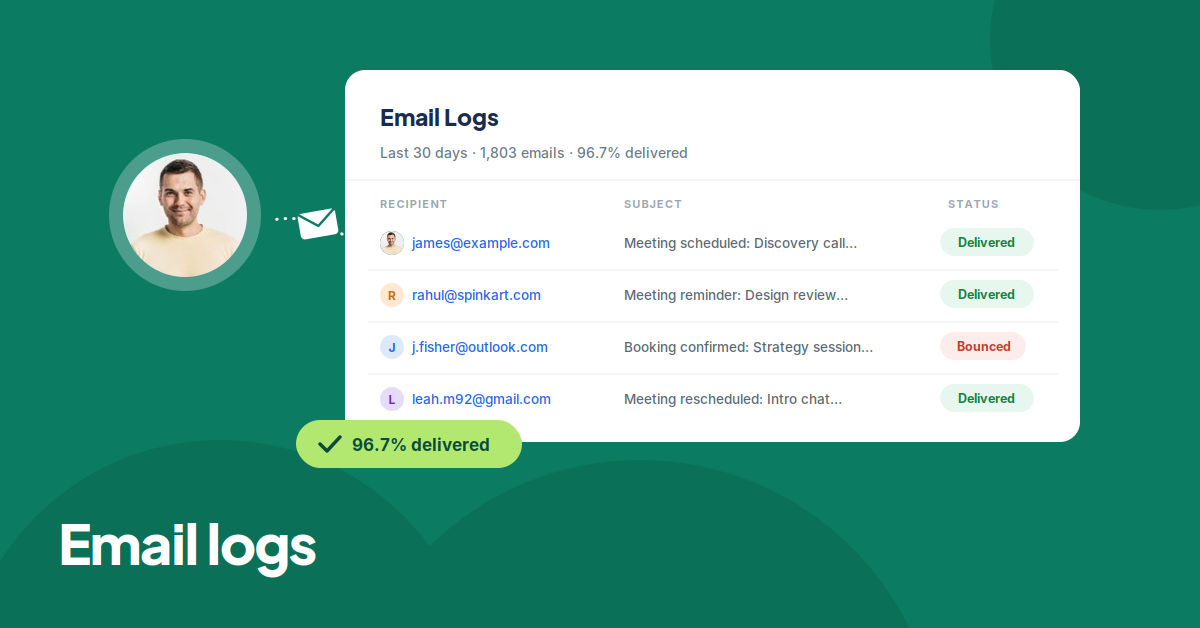
You can now see every email sent to your customers, like confirmations, reminders, and cancellations, in one place. The new Email logs page in the Admin Panel shows the last 30 days of email activity with delivery statistics, and you can search by recipient or filter by status and date.
Clicking an email opens its full delivery timeline, from queued to delivered, along with a preview of the email body. So when a client says they never received a confirmation, you can check exactly what happened instead of guessing.
To learn more, read our help article.