What's new in NeetoCal


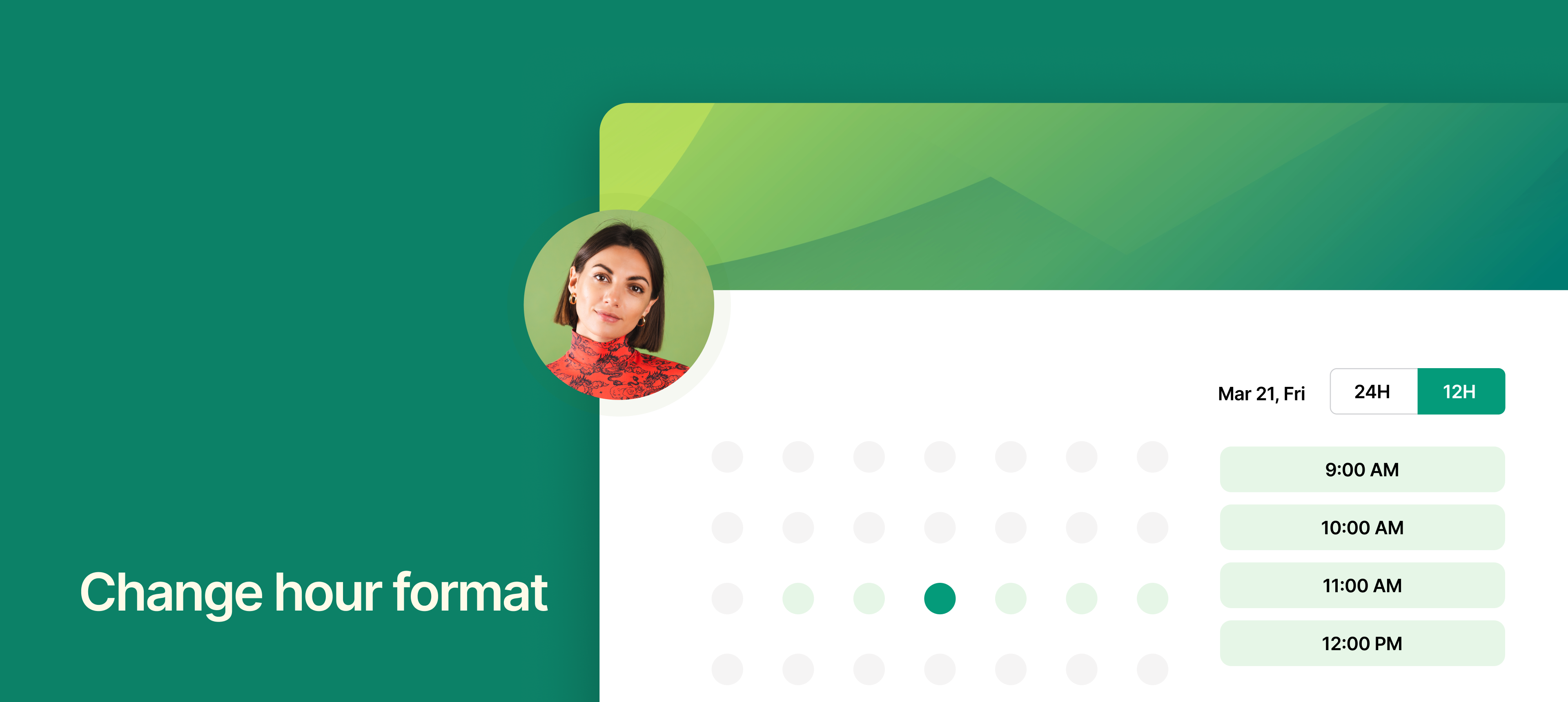
Change hour format.png

NeetoCal now lets you choose how time is displayed for your bookings, whether it's 12-hour format (10:00 AM, 03:00 PM) or 24-hour format (10:00, 15:00). Your selected format will be used on the booking page, booking confirmation page, and emails ensuring a consistent experience for you and your clients.

However, clients can still choose their preferred time format during the booking process. This means they will see the booking page and receive confirmation emails in the format they prefer.

To learn more about how to use this feature, read our help article.
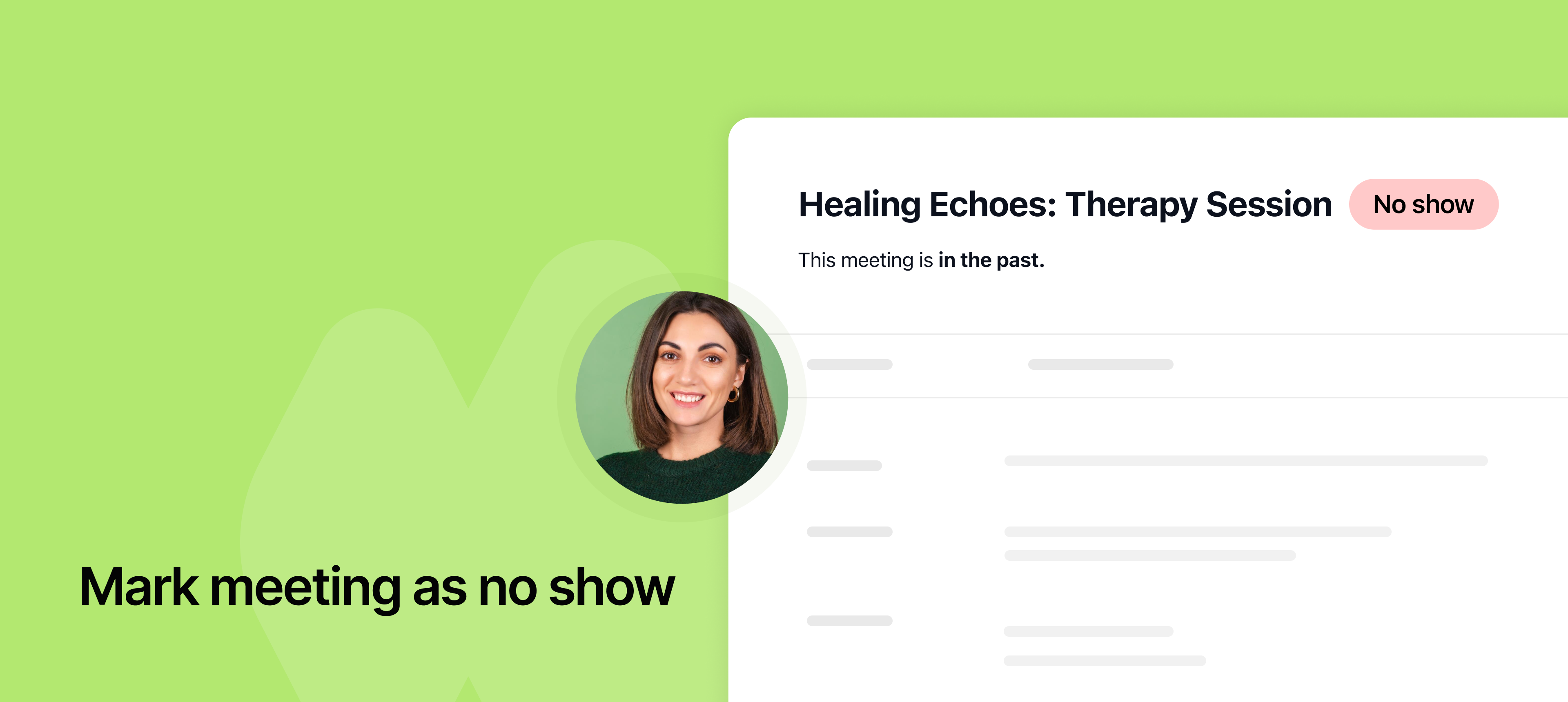

Mark meeting as no show.png

Previously, once a meeting was booked, there was no way to track whether the client attended or missed it. With the Mark as No-Show feature, you can now label meetings where clients didn’t show up.

This feature helps you:

  • Track missed appointments for better record-keeping.

  • Manage payments by enforcing refund or charge policies.

  • Follow up with no-show clients easily.

To learn more about how to use this feature, read our help article.
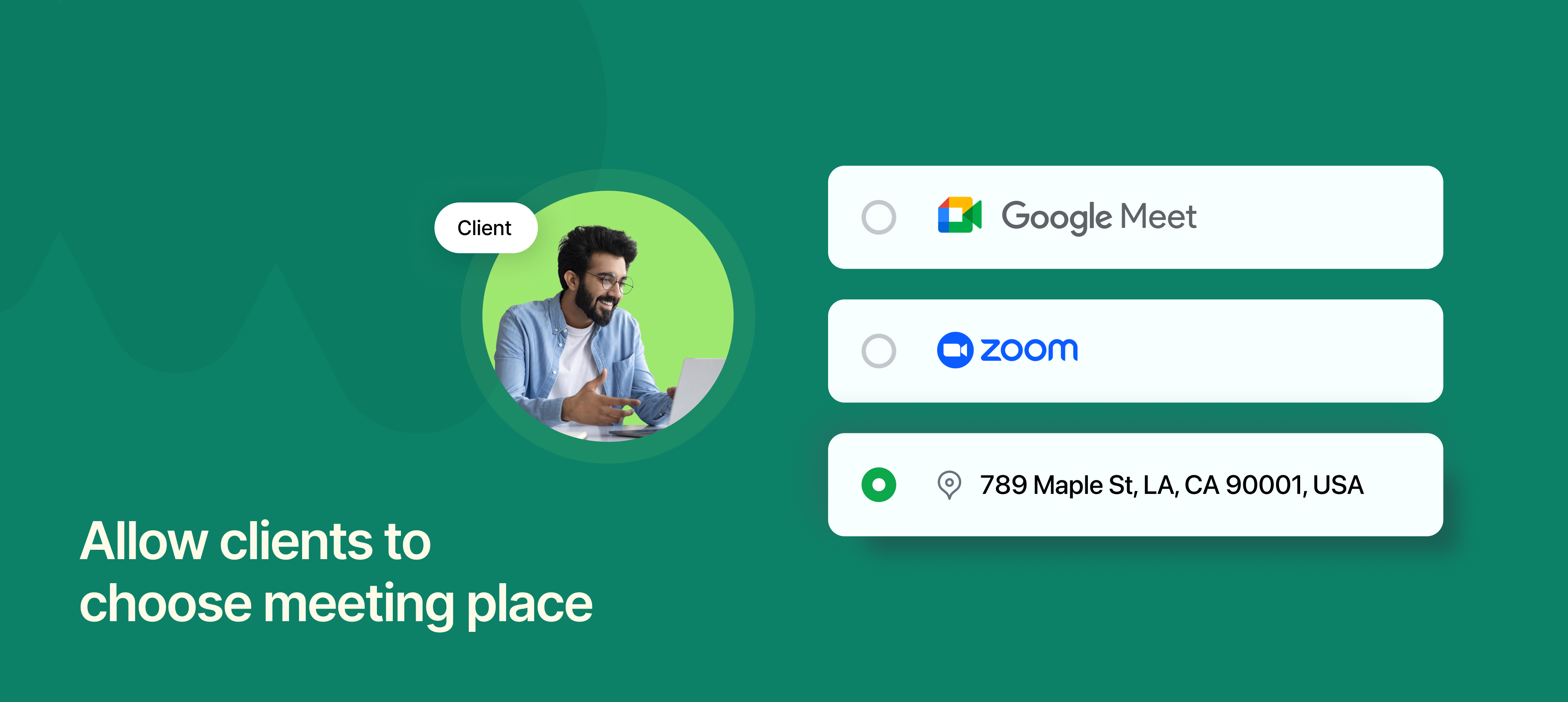

Allow clients to choose meeting place.png

Previously, the meeting location or platform was fixed, and clients had to use the default option set by the host. Now your clients can select how they want to meet, whether in-person or online. If online, they can also pick their preferred platform, like Zoom, Google Meet or more.

For example:

  • A client books a consultation with you.

  • During the booking process, they see options for In-Person, Zoom, or Google Meet.

  • If they choose Zoom, a meeting link is automatically generated.

  • If they select In-Person, location details are shared.

It gives flexibility to clients to choose their preferred meeting mode by offering multiple platforms.

To learn more about how to use this feature, read our help article.