View and manage team's availability
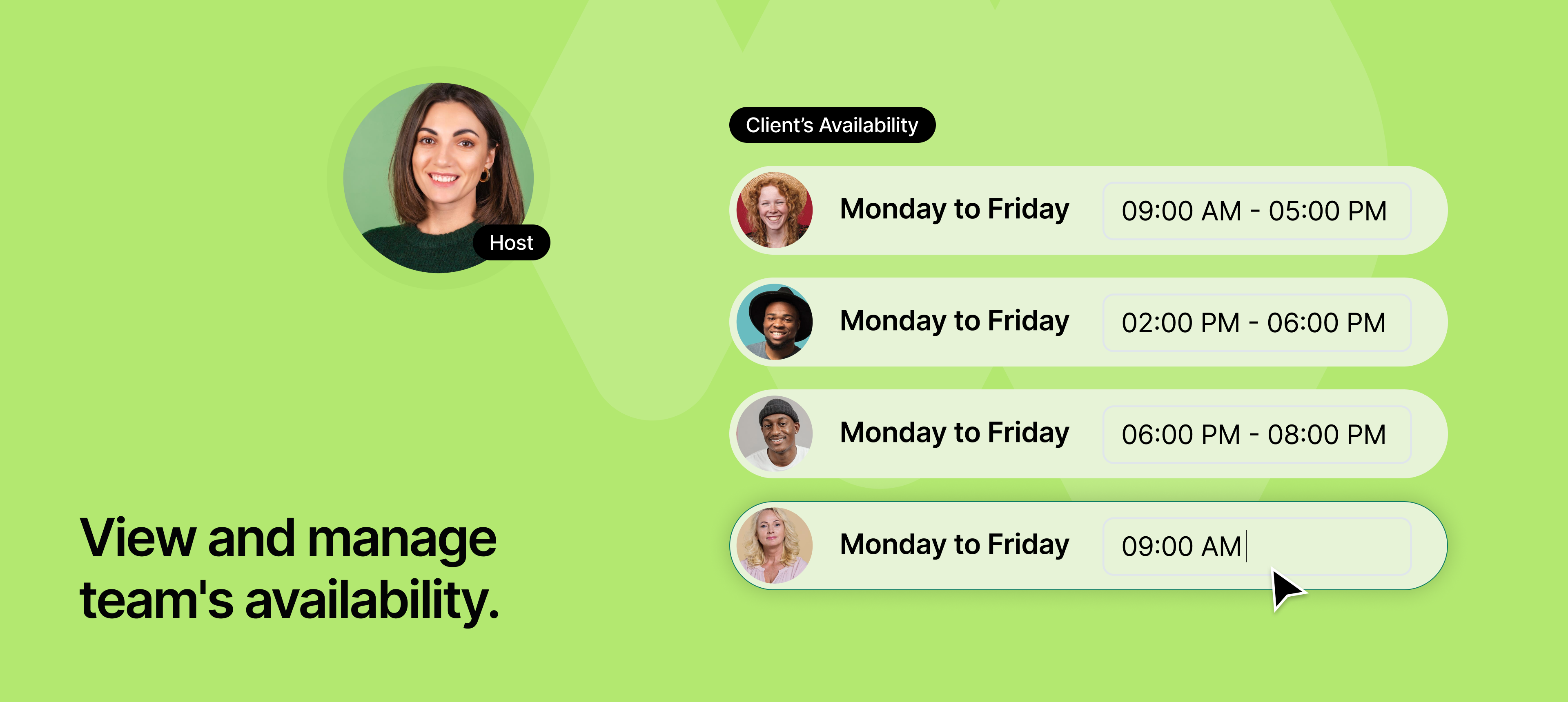
Managing availability across a team is often a bottleneck, especially in larger organizations. With this new update, admins now have full access to view, edit, and manage the availability of all team members from the team's availabilities tab.
This central control simplifies coordination and ensures team availability is always accurate, whether for client bookings, round-robin distribution, or internal sessions.
It’s ideal for roles like operations managers, executive assistants, or customer success leads who need to ensure schedules are aligned and up to date, without waiting on individual team members to update their availability.
To learn more about how to use this feature, read our help article.