Turn off notifications when a guest is added to a booking
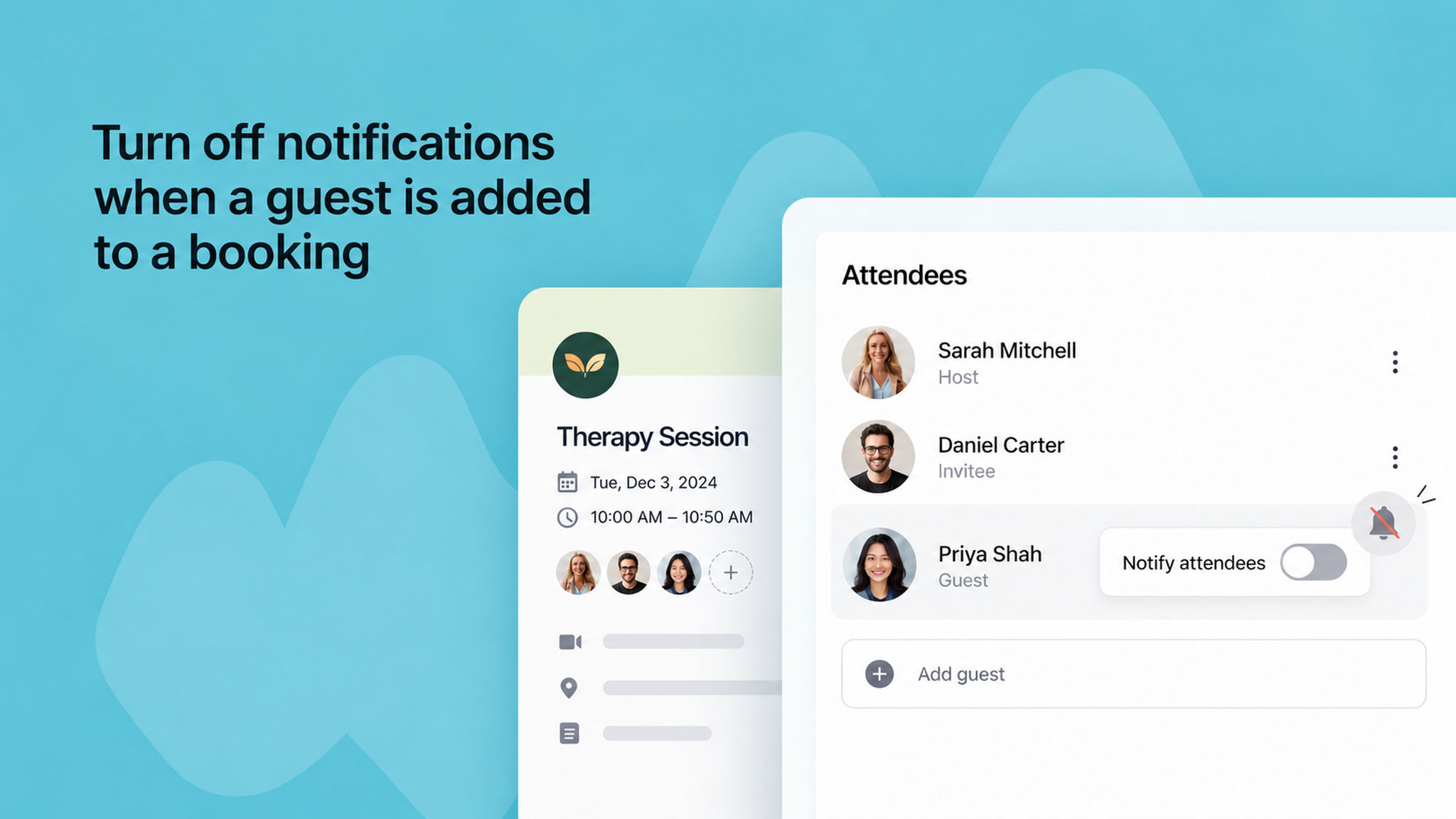
You can now choose whether you get an email when a new guest is added to one of your booked meetings.
Previously, every host on the booking got this email each time a guest was added.
To turn it off, go to My preferences > Notification preferences and uncheck New guest added to a meeting. This only changes your own email, not the emails sent to the client or the new guest.
To learn more, read our .