Track your whole booking funnel in Google Analytics
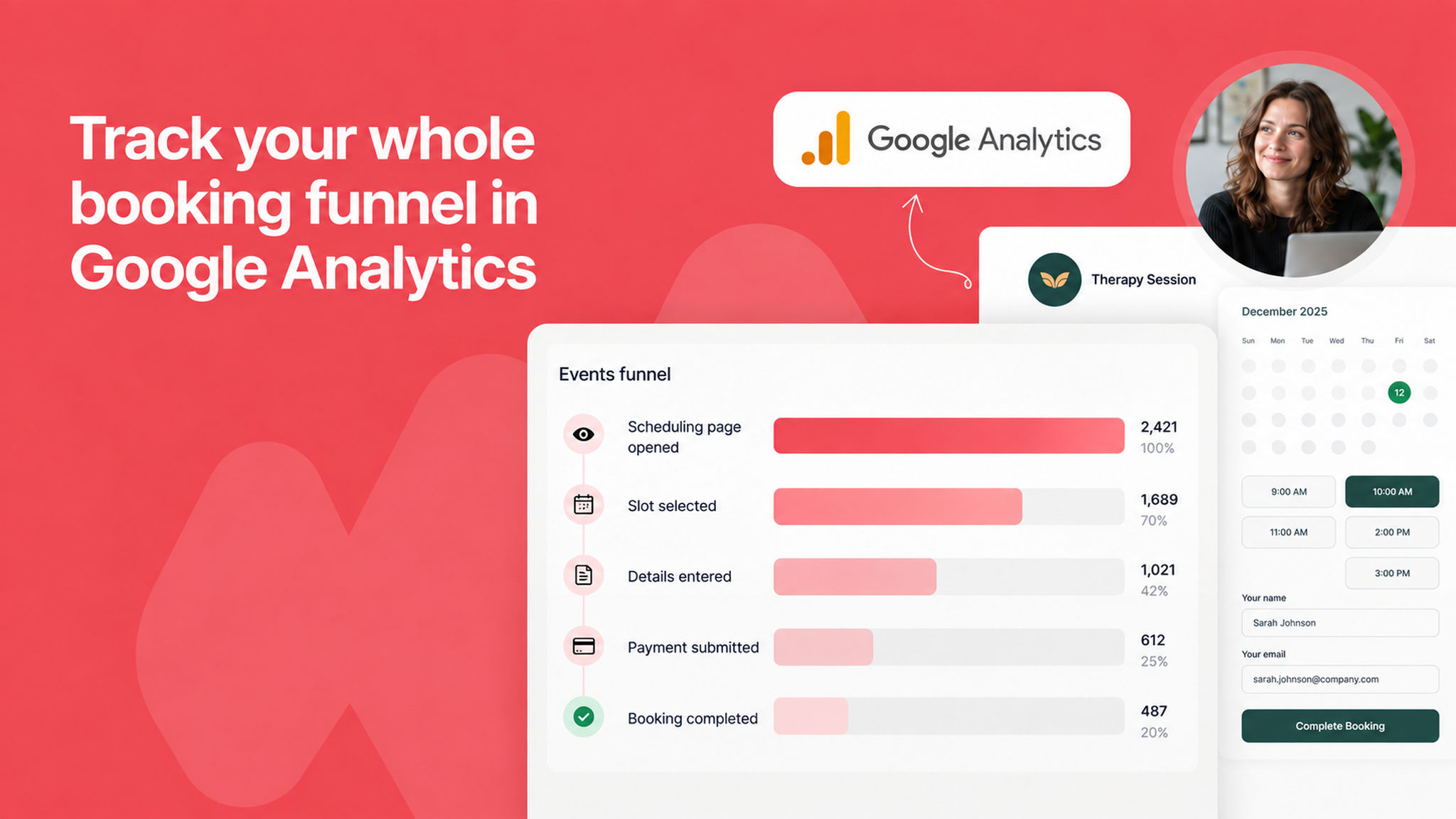
Google Analytics used to report page views from your scheduling pages and nothing more. Turn on Send booking events to Google Analytics and every step of a booking is reported too: link opened, slot picked, details filled in, payment submitted, and booking completed. That is enough to see where clients drop off.
Each event also carries the details around it, such as the scheduling link, the amount, the currency, the discount code, and the payment method, so that you can filter reports based on the details that matter to you.
Bookings made inside an embed are counted as well, as long as your website uses the same Measurement ID.
Connecting is now a single step: paste your Measurement ID under Admin panel → Other Integrations → Google Analytics. Booking events stay off until you turn them on.
To learn more, read our help article.