Set time zone per availability
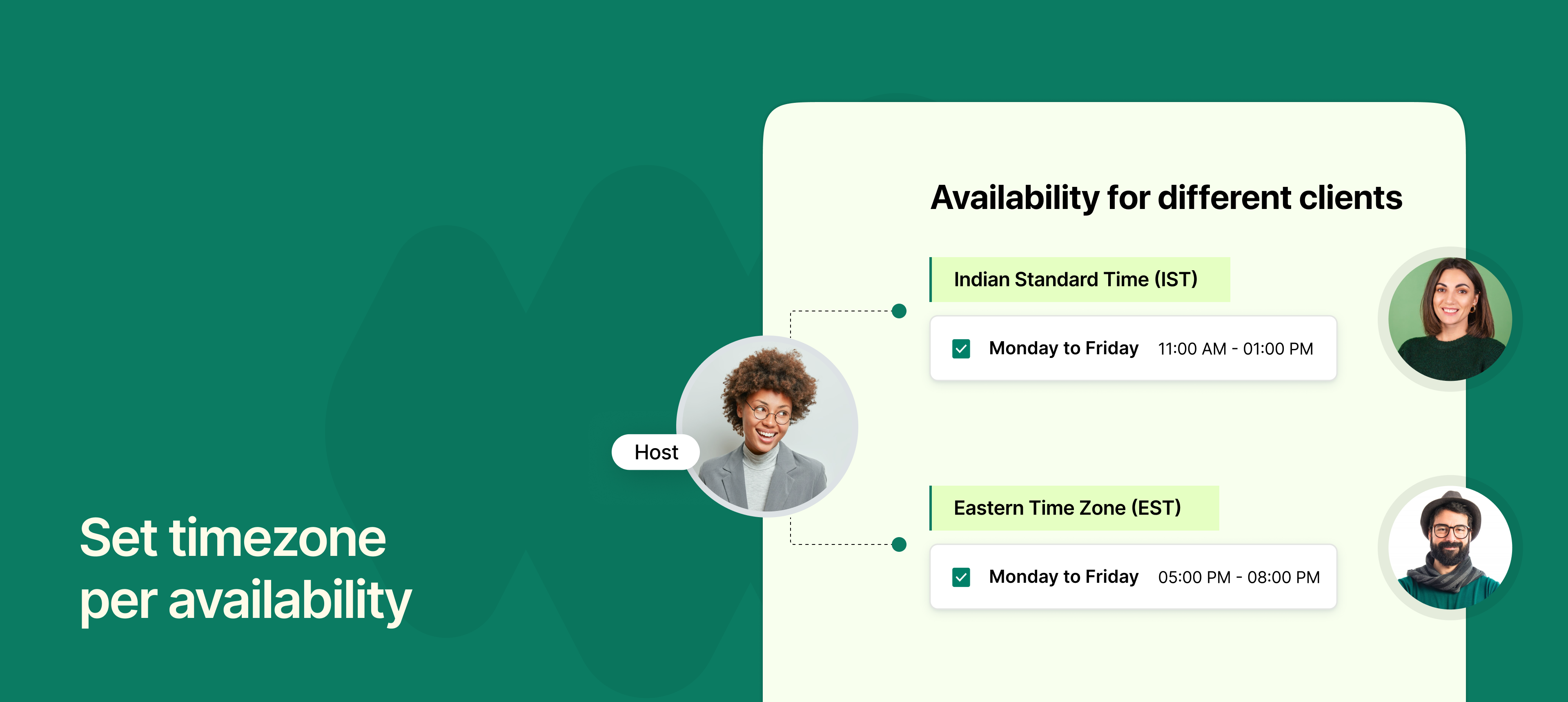
NeetoCal now lets you set a specific time zone for each of your availabilities, instead of relying only on your profile’s default time zone.
This means you can now set your availability based on where you'll be. It is especially helpful if:
You travel frequently and want your slots to reflect the local time where you'll be.
You work with clients in different regions and want to show specific availabilities for them.
You manage multiple teams across time zones and want to ensure clarity for each group.
For example, if you're visiting New York next week, you can set your availability in Eastern Time, and clients will see your available slots in that time zone.
To learn more about how to use this feature, read our help article.