Set any page as root URL
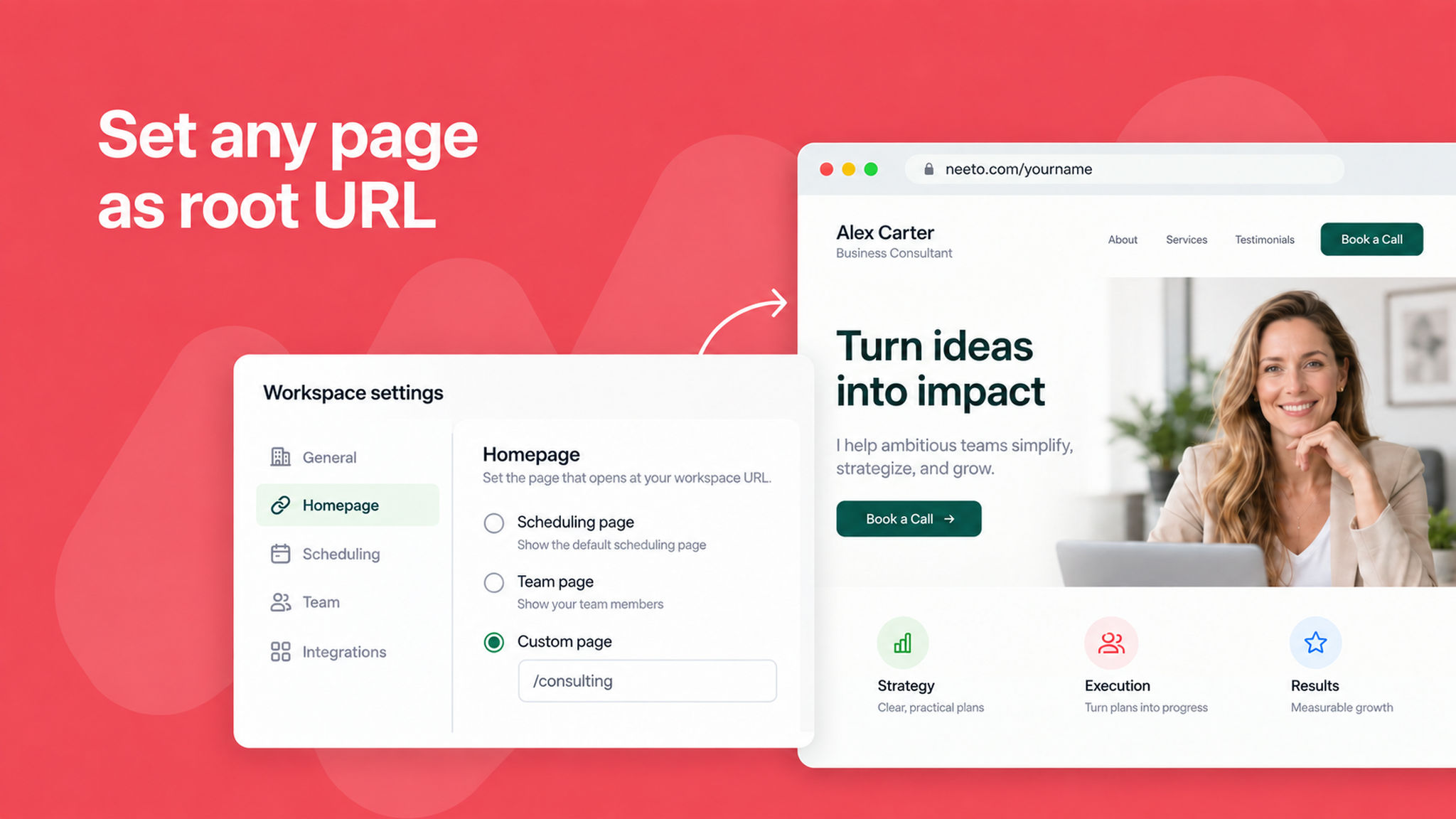
You can now set any page as your root URL, so it loads at your account's home address instead of the default homepage. This works for a scheduling link, an intro page, a package, or a routing form.
Earlier this was limited to a root intro page. Now you get to decide what visitors see first, whether that is a single meeting you want to promote, a package you are selling, or a routing form that sends people to the right place.
Setting it is the same for every page type. Open the page, and mark link as "Set as root URL", and save. Only one page can be the root URL at a time, so if one is already set, we show a warning before replacing it.
This gives you a cleaner, more intentional front door for your booking experience, which helps visitors take the action you care about most.
To learn more, read our .