Send calendar invite to anyone
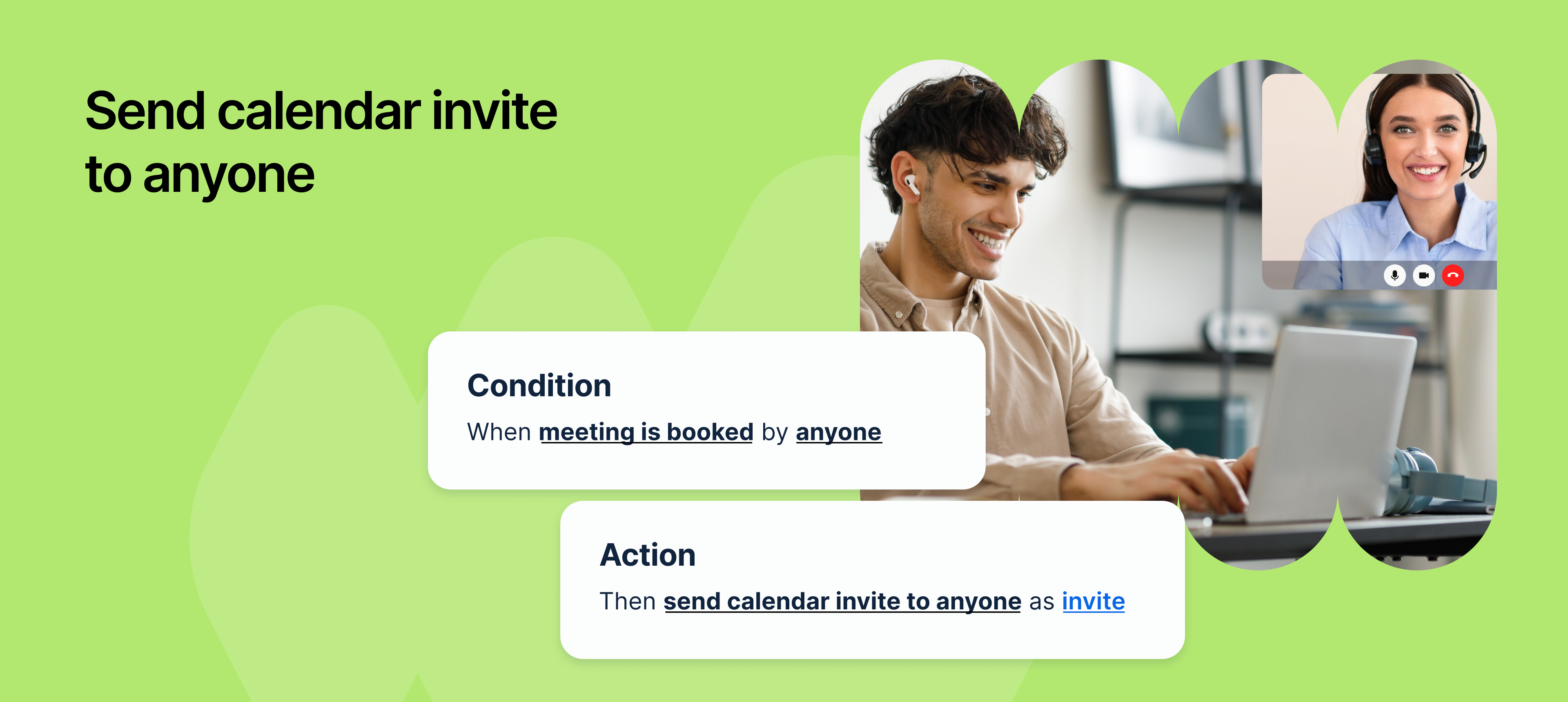
You can now automatically send calendar invitation (.ics file) to any email address using an automation rule in NeetoCal.
Previously, automation rules allowed you to send custom emails when a meeting was booked. One of our clients requested the ability to invite a third person, such as an interviewer, to the meeting, without manually sending a calendar invitation each time. To support this, we've introduced a new action in automation rules: i.e. Send calendar invite to anyone.
For example, if you're a recruiter, When a candidate books a meeting, you want the assigned interviewer to automatically receive a calendar invitation. You need this invite to appear directly on their calendar, but you also want to protect the candidate's privacy by sharing only essential information like the interview link. This feature helps you do exactly that.
Why it is useful
Saves time by removing the need for manual invites.
Ensures better coordination with accurate calendar details.
Prevents missed meetings with automatic invitations.
maintain confidentiality by controlling what information is included in the invite.
How it works
In your automation rule, select the new action: Send calendar invite to anyone.
Enter one or more email addresses where the calendar invite should be sent.
Customize the subject and body of the email using dynamic variables like:
The invite will be sent with a
.ics fileattached when the trigger happens
With this new automation action, NeetoCal makes it even easier to keep everyone informed and prepared automatically.
To learn more how to use this, refer to this help article.