Restore video links after reconnecting video tool
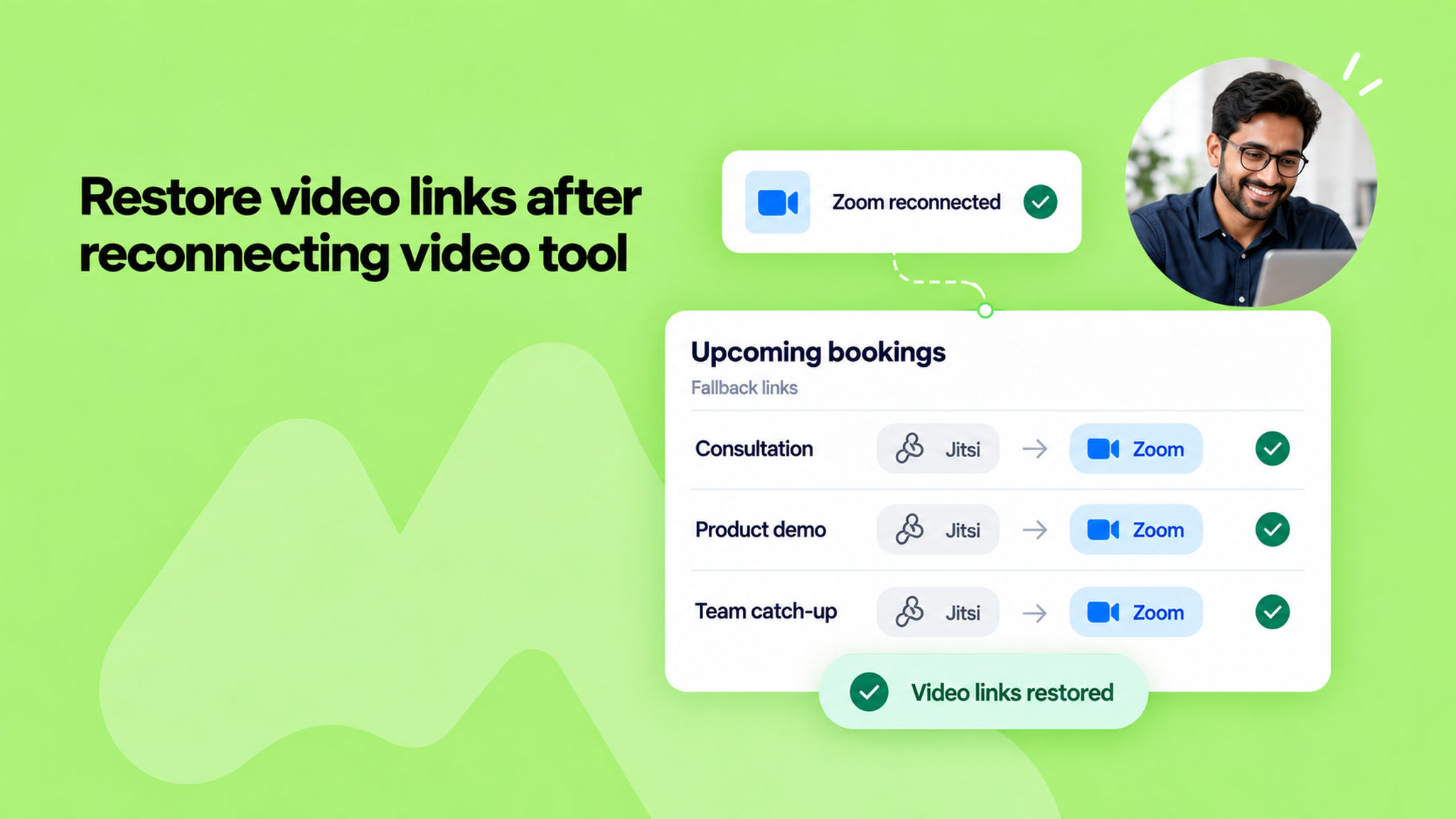
When your video platform disconnects, NeetoCal falls back to a Jitsi link so that it will not break your scheduling flow and your clients should be able to connect with you.
Earlier, bookings that got a Jitsi link during the disconnection kept it even after you reconnected Zoom, so you had to fix each one by hand. Now NeetoCal does it for you.
As soon as you reconnect, every already scheduled upcoming booking that fell back to Jitsi because your platform was disconnected is updated to your connected video link. This includes bookings that were created or rescheduled while it was down. The calendar events and booking pages are updated with the new link.
Bookings in the past, and bookings where Jitsi was chosen on purpose, are left exactly as they are.
There is nothing to review or click, and NeetoCal does not send extra "meeting location updated" emails for these changes, so your hosts and clients are not flooded with notifications.
This means fewer broken links and less manual cleanup after a reconnection, so your meetings run on the platform you actually intended.
To learn more, read our help article.