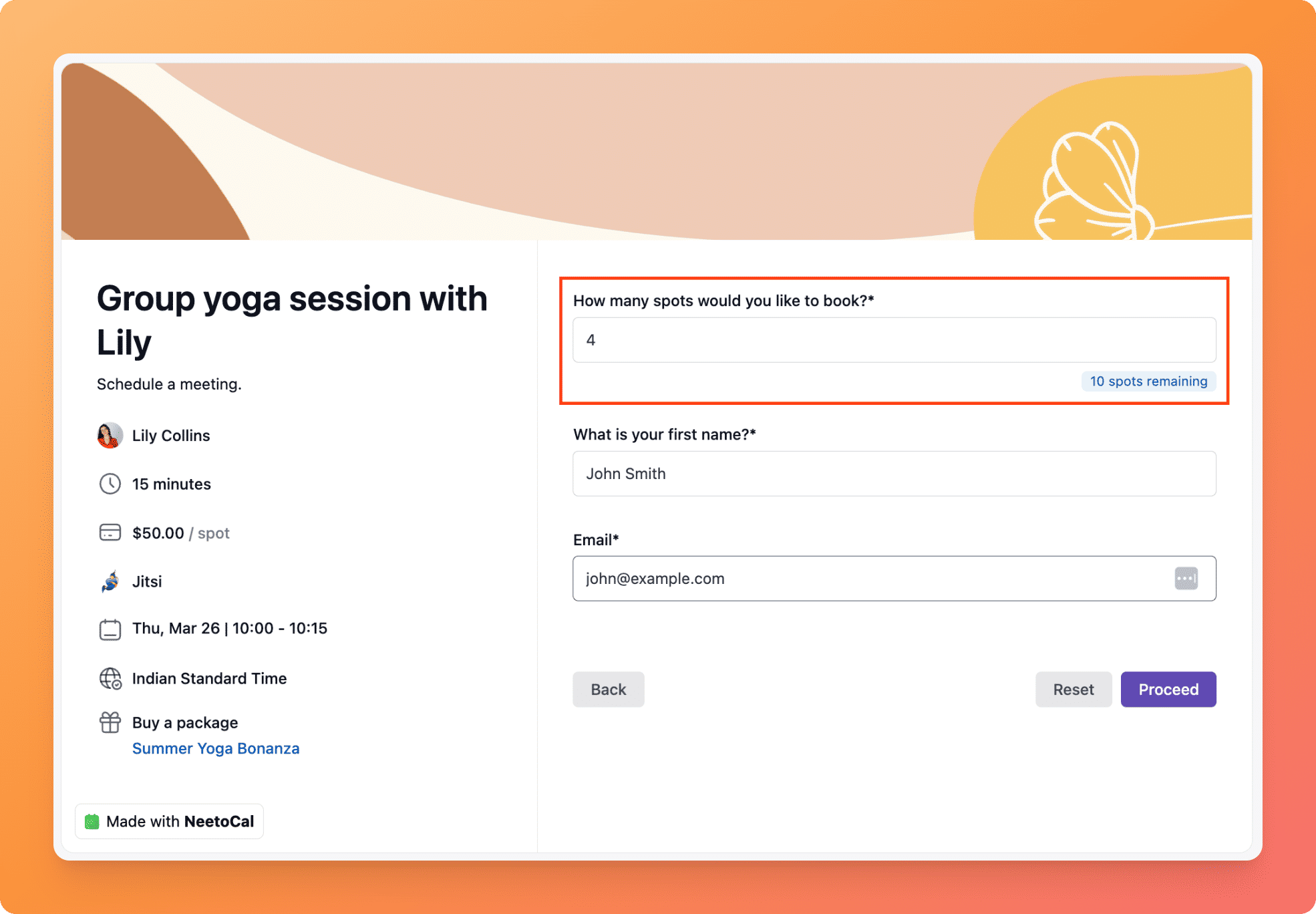
Reserve multiple spots in group bookings
Clients can now reserve multiple spots in a group meeting using a single email address. Instead of submitting separate bookings for each attendee, a client can select how many spots they'd like to book at once. If payment is enabled, the total price is automatically multiplied by the number of spots reserved. All reserved spots are treated as a single booking, so cancelling removes all spots at once.
To learn how to use this feature, read our help article.