Reschedule limit for customers
Sagar Anadkat
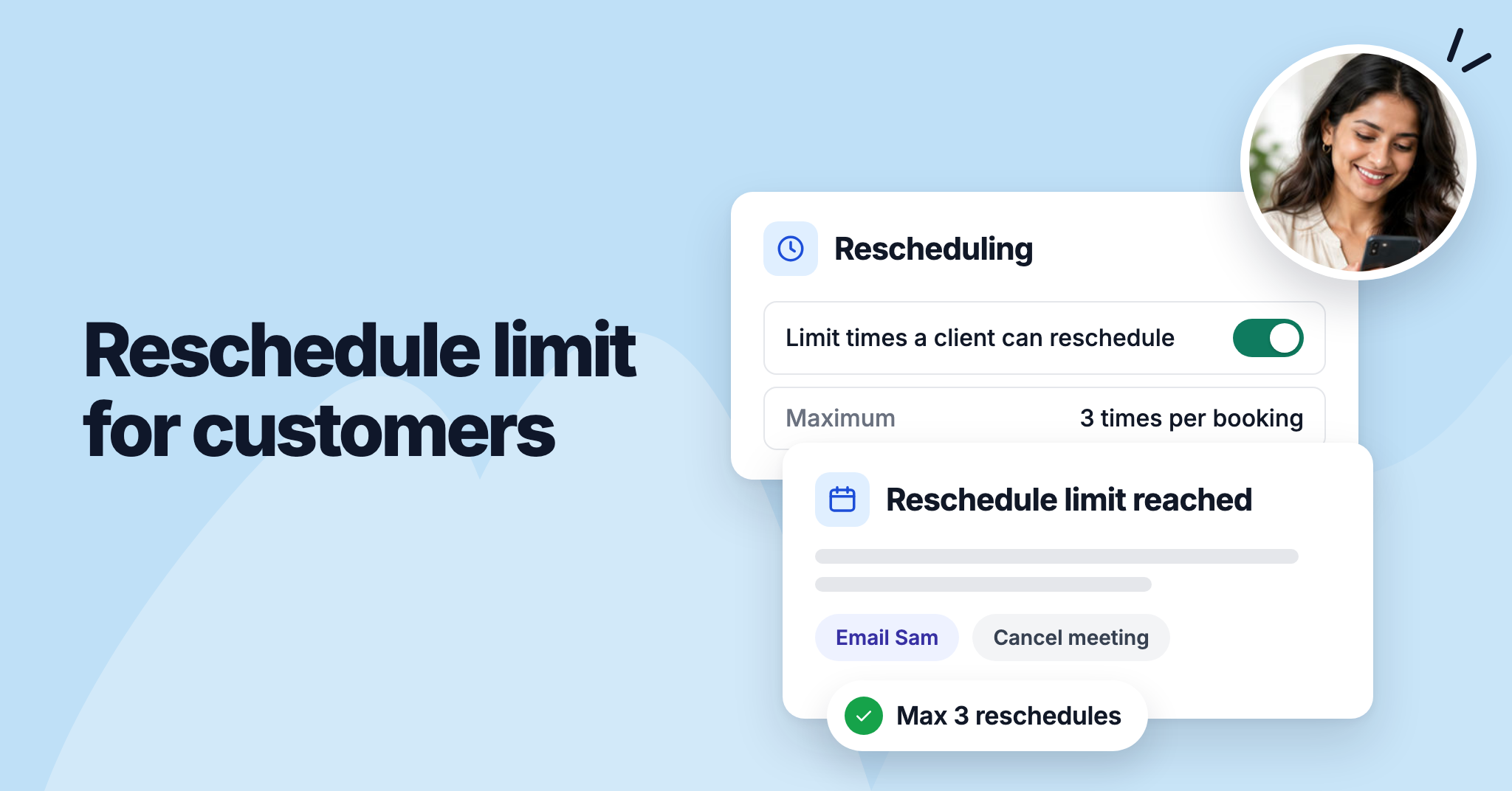
You can now limit how many times a customer can reschedule a booking. This helps when a customer keeps moving the same meeting.
Turn on “Limit number of times a client can reschedule” in a scheduling link's rescheduling settings, set a maximum of up to 20, and write the message customers see once they reach it. From that message, they can email the host or cancel the meeting. Reschedules you make as a host don't count.
To learn more, read our help article.