Reschedule by moving the event in your calendar
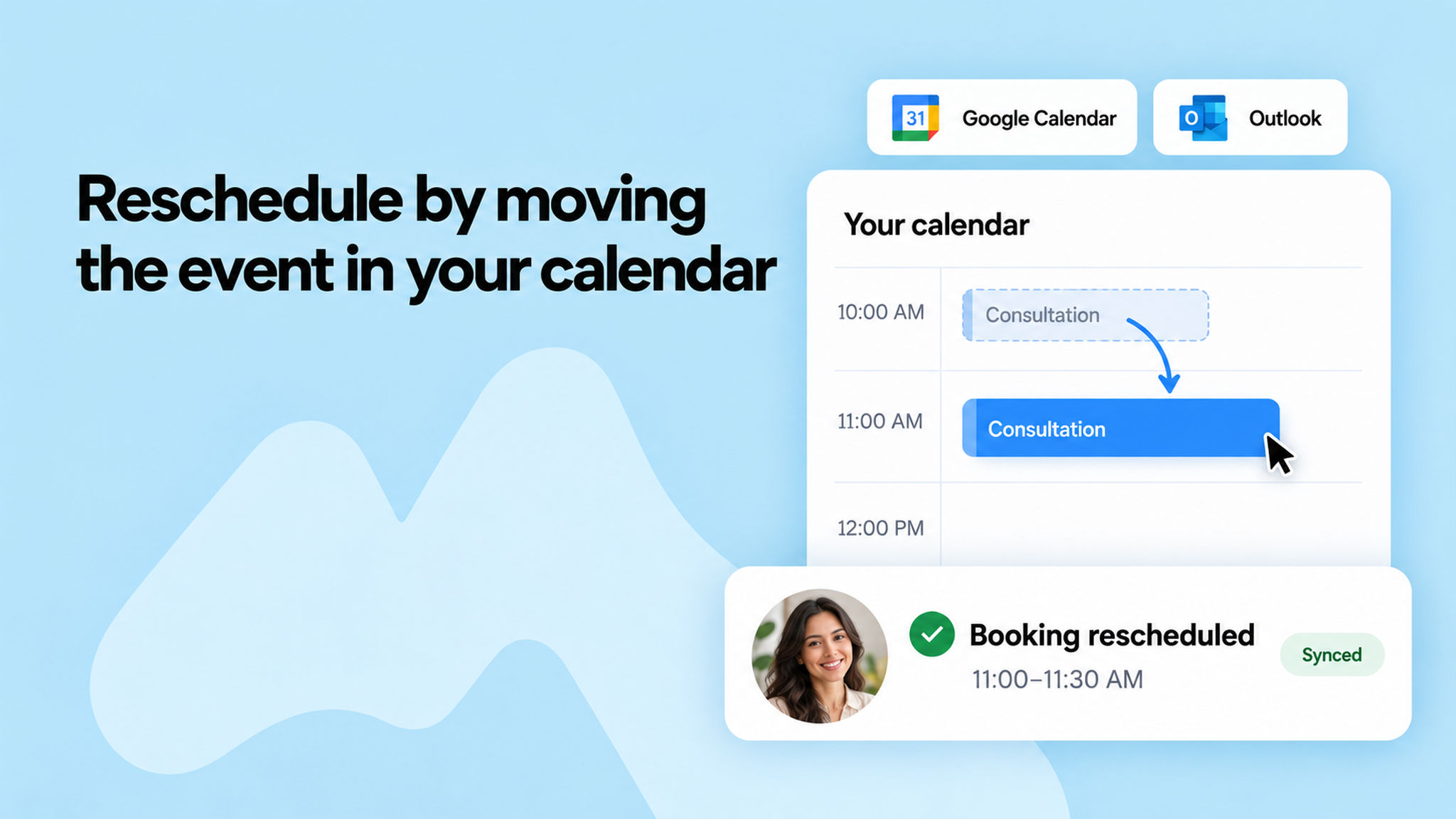
You can now reschedule a booking straight from your connected Google or Outlook calendar. Just move the event to a new time, and NeetoCal picks up the change and reschedules the booking to match.
Earlier, rescheduling meant going back into NeetoCal even if you had already moved things around in your calendar. Now your calendar and your bookings stay in step, so you can manage your day from wherever you already work.
This works for changes to both the time and the duration of a meeting. Everything is kept in sync, so your client sees the updated time and the booking reflects it too.
A couple of things to note. Group meetings are not included in this change, so moving a group session's event in your calendar leaves the booking untouched. This is for one-on-one style bookings.
By letting you reschedule from the tool you live in all day, this saves you a trip back into NeetoCal and keeps everyone on the same page.
To learn more, read our help article.