RefId
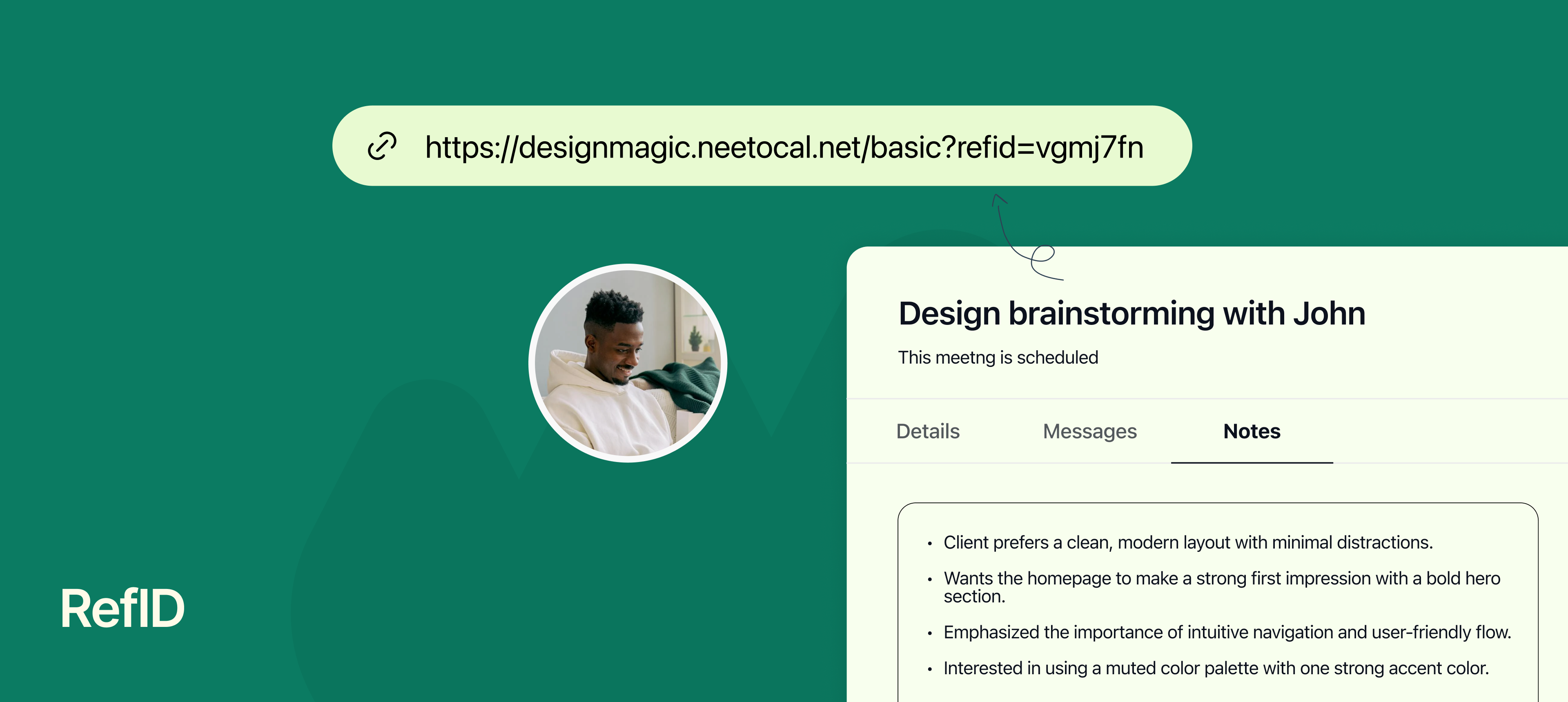
When you have lots of meetings, it’s easy to forget why a call was booked or where the person came from. Was it a LinkedIn message? A support ticket? A Slack chat?
That’s where RefID helps. With RefID, you can add a short note or link to remind you what this meeting is all about.
You just need to attach your refId to your scheduling link. Once a client books using your RefID attached link, those notes automatically shows up in the Notes section of the booking inside your NeetoCal dashboard, so you’ll always know the context before the meeting.
Why use RefID
Know where the booking came from – LinkedIn, Twitter, support chat, etc.
Share details with your team – Add helpful info so the host is prepared.
Avoid confusion – You’ll never wonder “why was this meeting booked?” again.
To learn more about this feature, read our help article.