Redirect disabled scheduling links
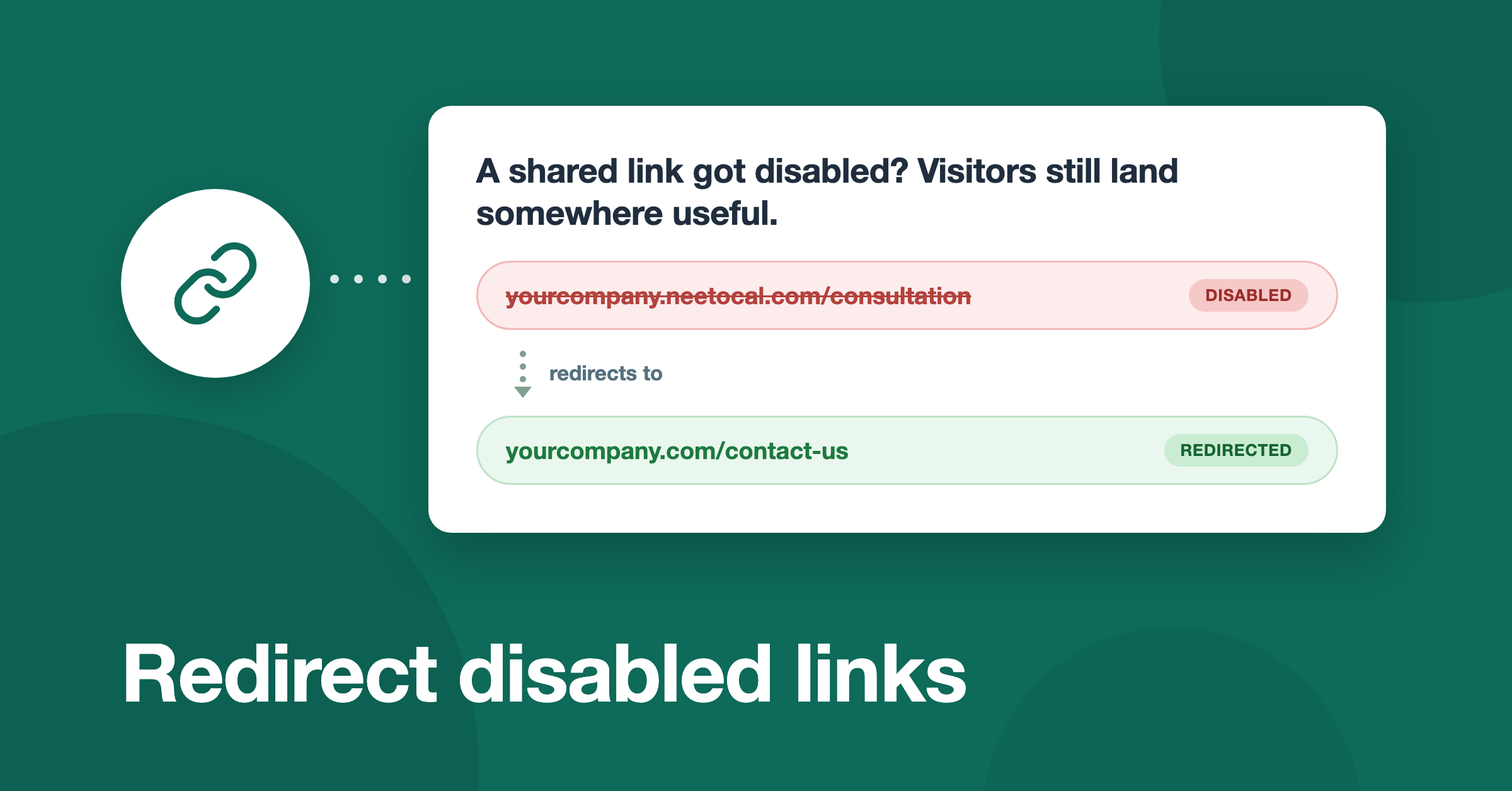
Earlier if a scheduling link you shared on social media or on your website, later becomes disabled, anyone who opens it lands on an inactive-link page, and that visit goes nowhere. You can now redirect these visitors to a URL of your choice instead, such as a contact page or a general booking page.
You will find the new setting under Admin panel → Scheduling links → Redirect disabled links. It is admin-only and applies to every disabled scheduling link in the workspace. Leave it blank, and visitors see the default inactive-link page as before.
To learn more, read our help article.