Popular channel report
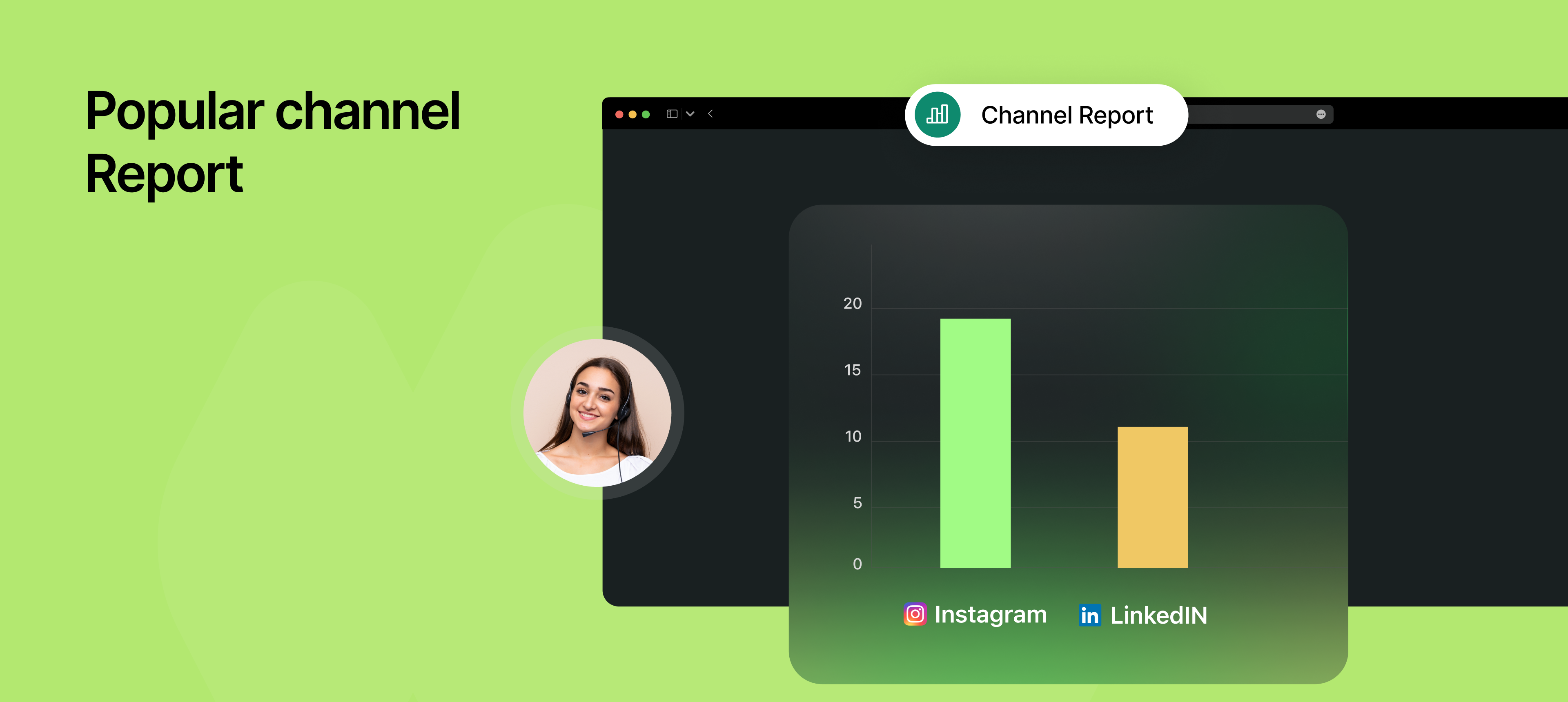
You can now identify which channels are bringing in the most bookings using NeetoCal’s new Popular Channels Report.
By adding a simple custom parameter (like ?source=LinkedIn) to your scheduling links, NeetoCal will automatically track and report which marketing or distribution channels are performing best. Perfect for teams running campaigns across LinkedIn, Instagram, email newsletters, and more.
How it works
First, configure the key you want to use for tracking sources (default is
source, but you can set it tofrom,ref,campaign, etc.).Add that key and a value to your scheduling link.
Example:https://example.neetocal.com/john-smith?source=LinkedInEach time someone books using that link, NeetoCal tracks the value (e.g., LinkedIn)
The Popular Channels Report displays booking counts for each channel, helping you understand which ones are performing best.
Why this is useful
Know which channels convert best so you can double down on what works.
Optimize your marketing and outreach efforts with real data.
Great for marketing teams, sales funnels, and campaign-specific links.
No need for third-party tracking tools or complex UTM setups
To know how to use this, refer to this help article.