Password Protected scheduling link
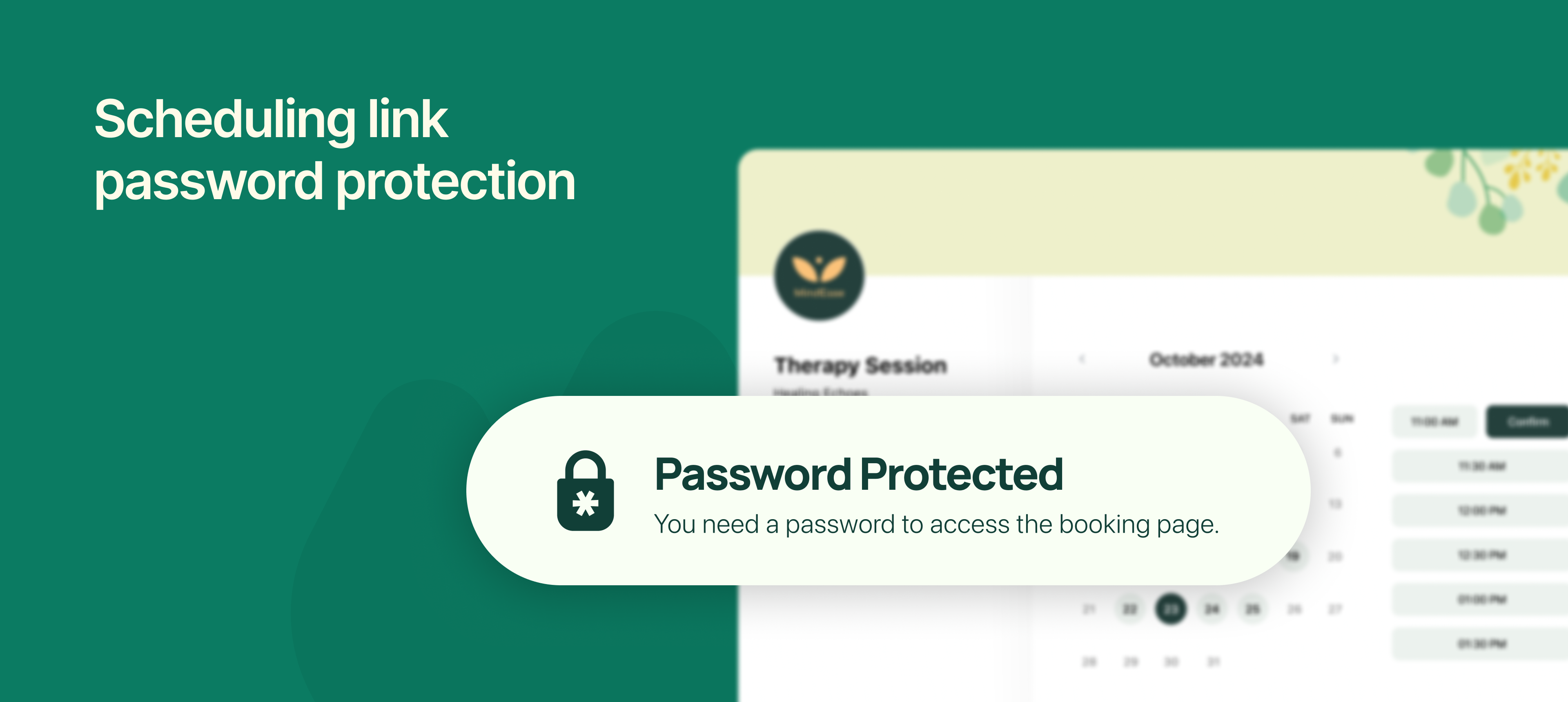
NeetoCal now lets you add password protection to individual scheduling links, giving you more control over who can access and book a meeting with you.
Until now, anyone with your scheduling link could view your availability and book a slot. With this update, you can restrict access by setting a password, ideal for private sessions, premium services, or internal meetings that shouldn’t be open to everyone.
This is particularly useful when sharing links in closed communities, with selected clients, or for invite-only events.
To learn more about how to use this feature, read our help article.