Override notifications for a scheduling link
New feature
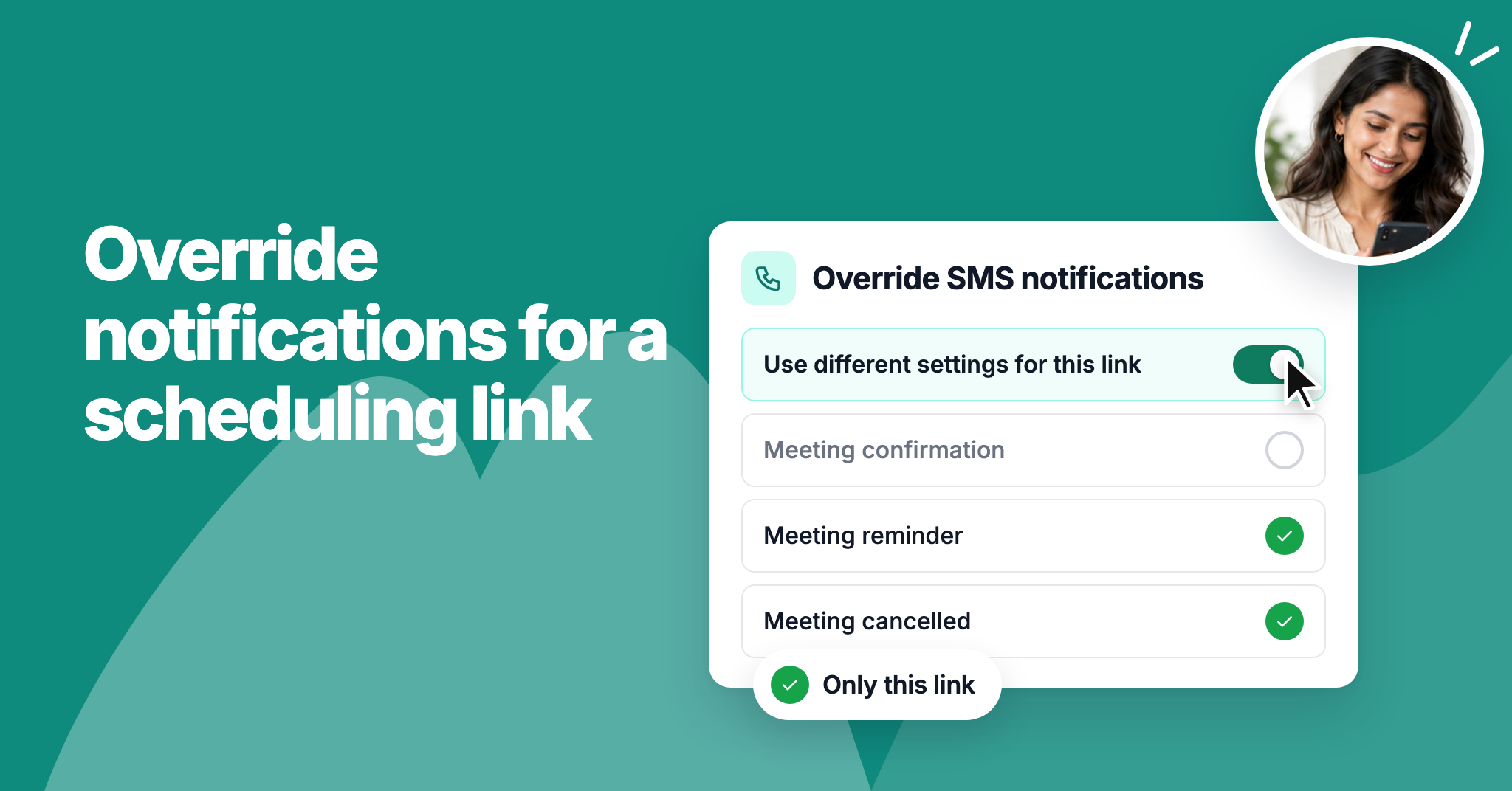
You can now choose which emails and SMS each scheduling link sends. For example, you can stop confirmation SMS on one link while your other links keep sending them.
Open a scheduling link's Settings tab and turn on Override email notifications or Override SMS notifications. We've also added an SMS notifications page in the Admin panel, so you can turn off any booking SMS for your whole workspace, just as you already could for emails.
To learn more, read our help article.