Offer add-on services on group meetings
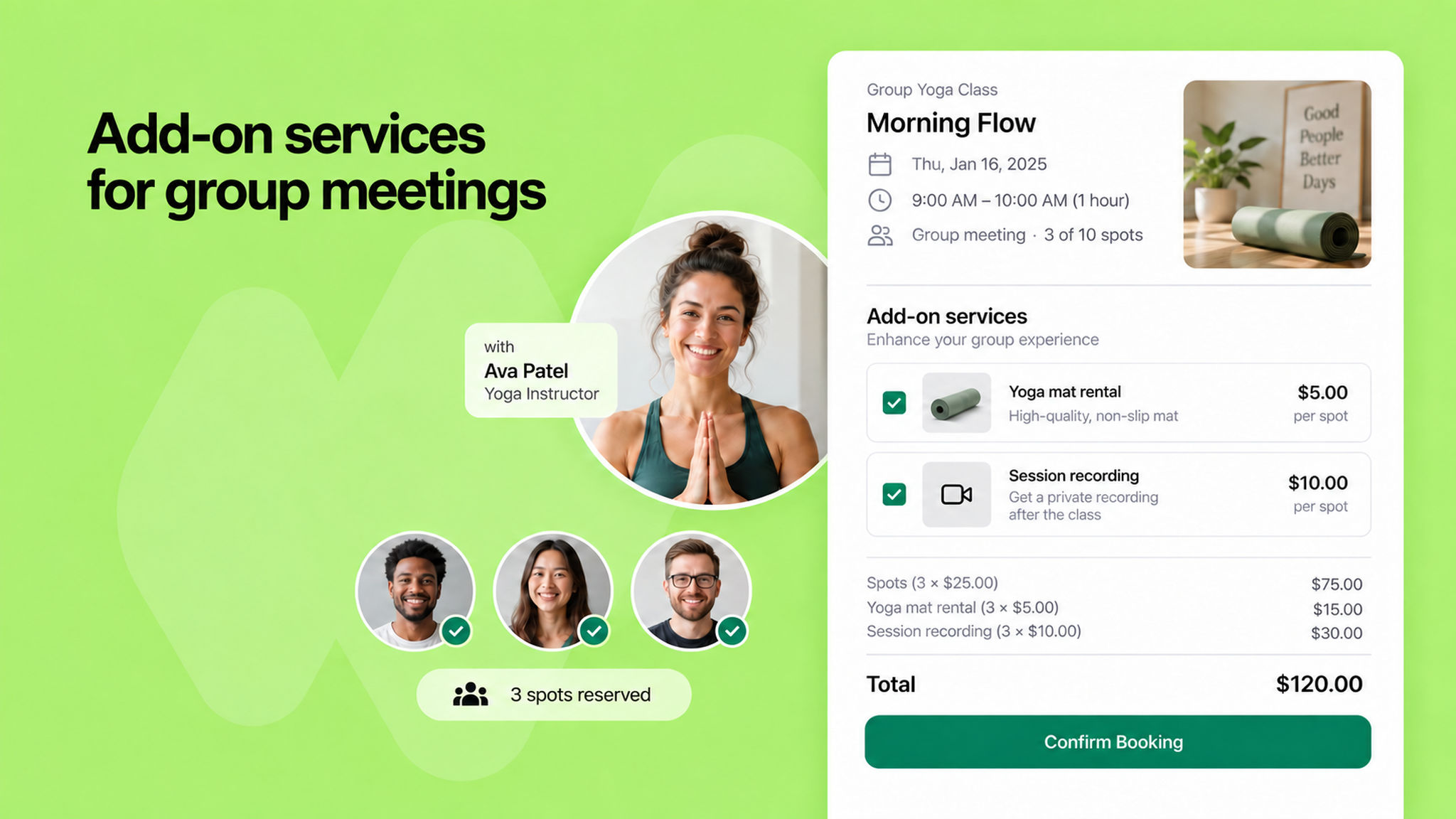
Add-on services used to be limited to one-on-one, round-robin and multi host meetings. You can now offer them on group meetings too: a cooking class can sell an ingredients kit, a yoga studio can hire out mats, and a webinar can offer the recording afterwards.
Services on a group meeting have no duration, because everyone shares the same slot. Everything else works as before: set them up under Add-on services in the scheduling link and mark them free or paid.
Each client picks their own services while booking and pays for them with the booking. If they book more than one spot, each service is charged per spot, and the breakdown shows on the payment screen so they can see how the total is made up.
The services a client chose appear against their name in the booking details, so you know what to prepare for each attendee before the meeting starts.
To learn more, read our help article.