Nickname for scheduling links
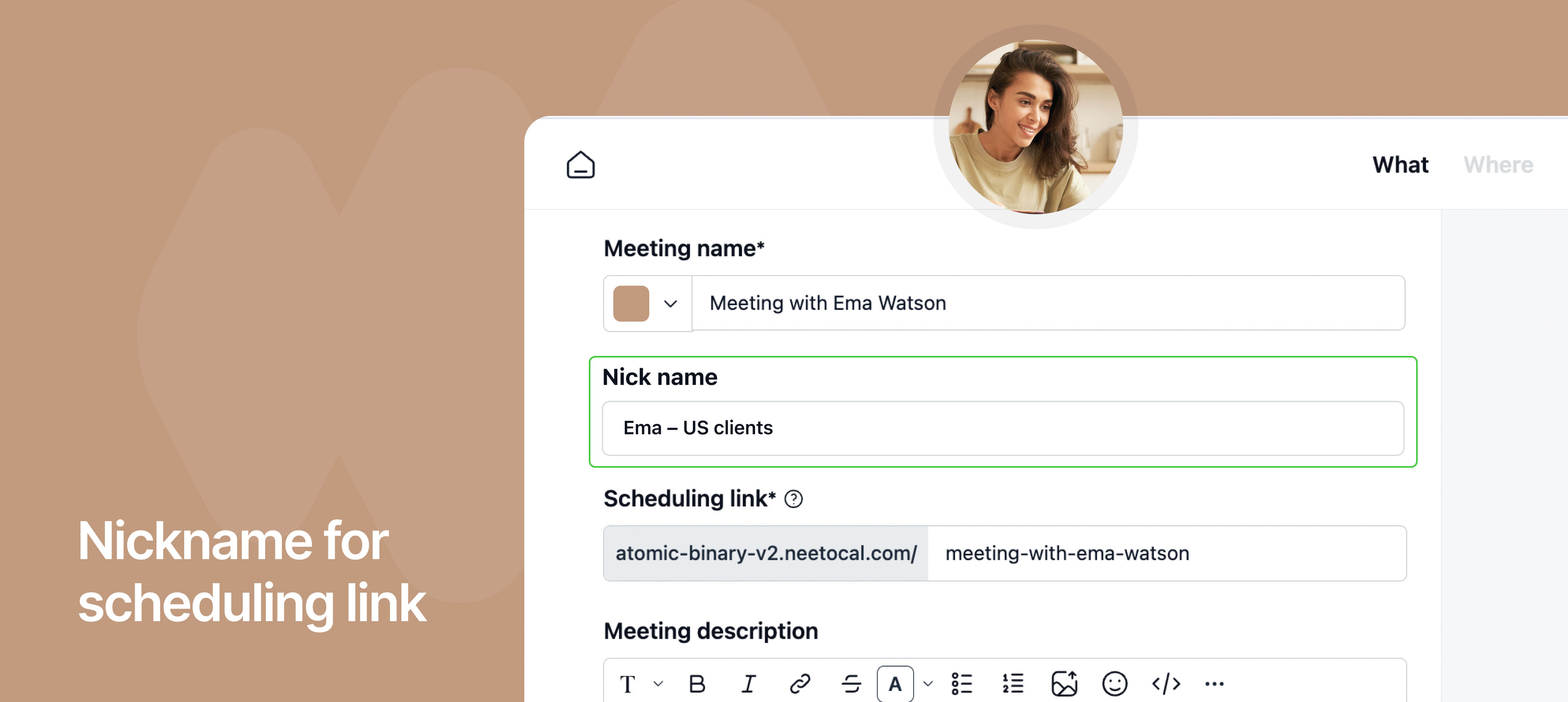
You can now add nickname to scheduling links in NeetoCal to make them easier to identify internally.
Earlier, when hosts created multiple scheduling links with the same public meeting name, such as “Meeting with Oliver” for different regions, teams, or use cases, it became difficult to tell them apart inside the NeetoCal dashboard.
While clients always saw the correct meeting name on the booking page, hosts often had to open each link individually to understand its purpose.
To solve this, we introduced nicknames that are visible only to hosts and workspace admins.
For example, a host can assign internal labels like “US Sales – Oliver”, “EU Support – Oliver,” or “Enterprise Demos – Oliver” to similar scheduling links.
These nicknames appear only inside NeetoCal, helping teams quickly identify the right link without affecting what clients see during booking.
Why is it useful
Makes it easy to distinguish between multiple similar scheduling links.
Keeps client-facing meeting names clean and unchanged.
Improves internal organization and reduces confusion for hosts and admins.
To learn how to use this, refer to this help article.