Host
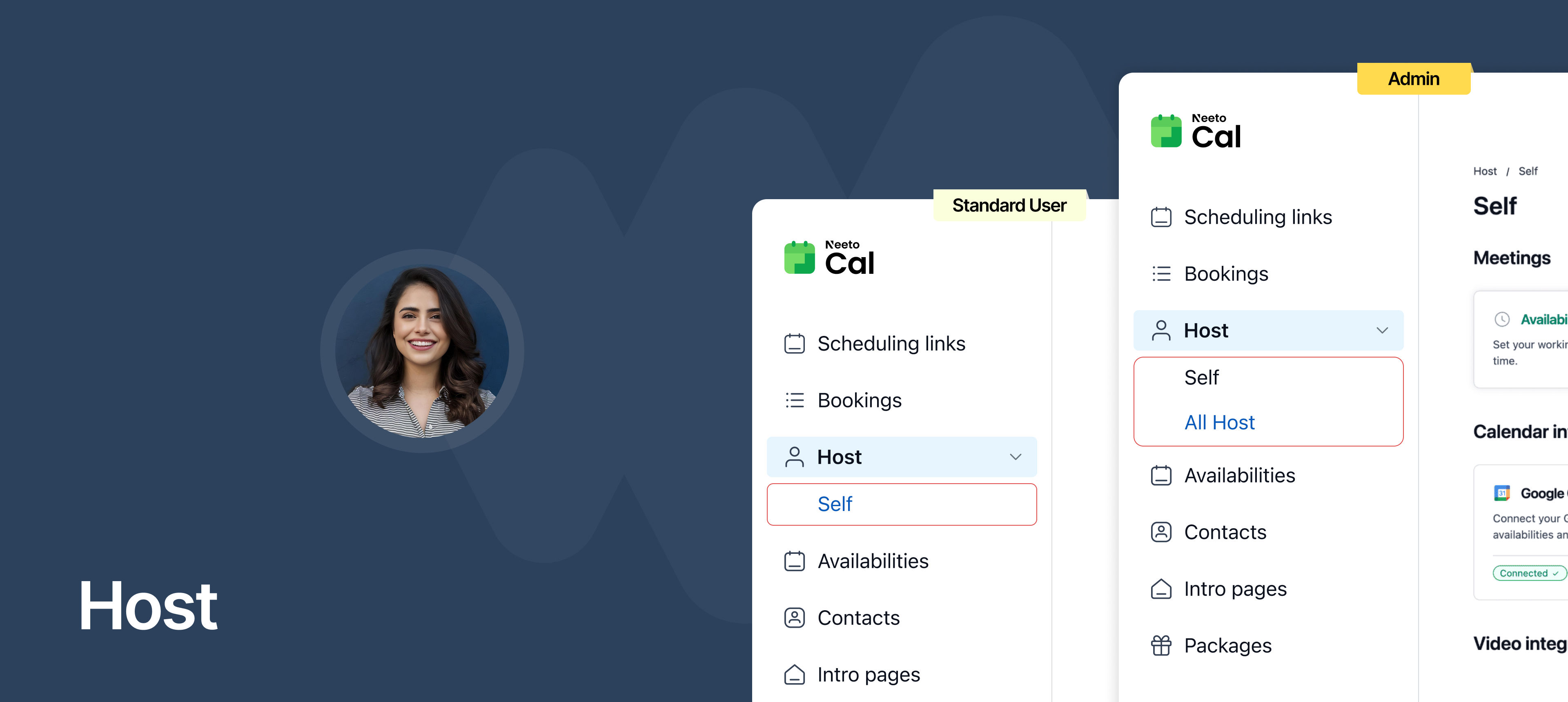
You can now manage all your personal scheduling settings from a dedicated Host tab in NeetoCal.
Previously, host-level settings like availability, reminders, meeting limits, and integrations were part of the Admin Panel. This made it harder for hosts to manage their own preferences and for admins to get a clear overview of the team's configurations. To simplify this, we’ve introduced a centralized Host tab that brings all host-related settings into one clean, organized place.
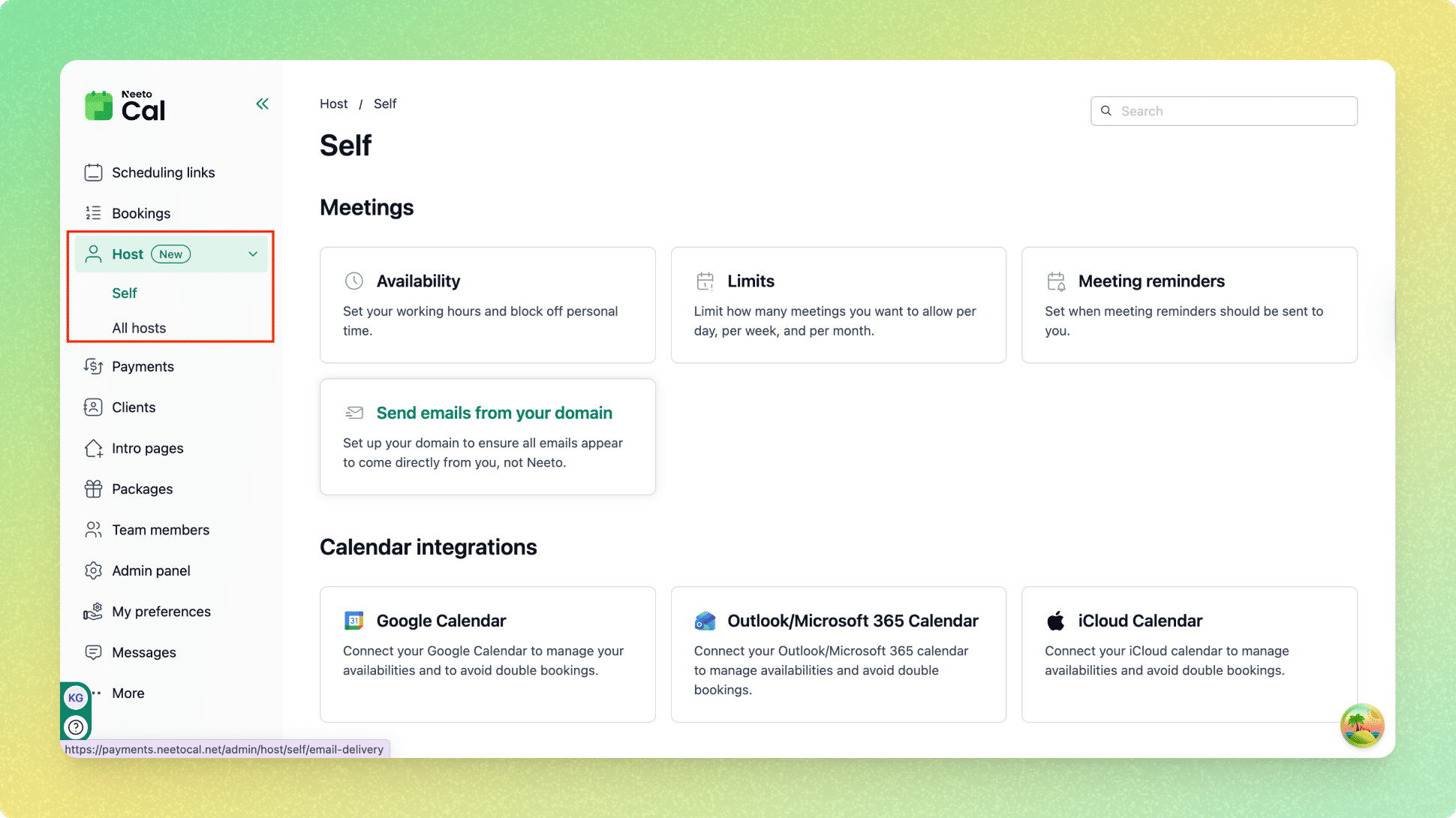
The Host tab appears in the left sidebar, just below Bookings. Standard users see a Self view where they can manage their own availability, meeting limits, reminders, and integrations.
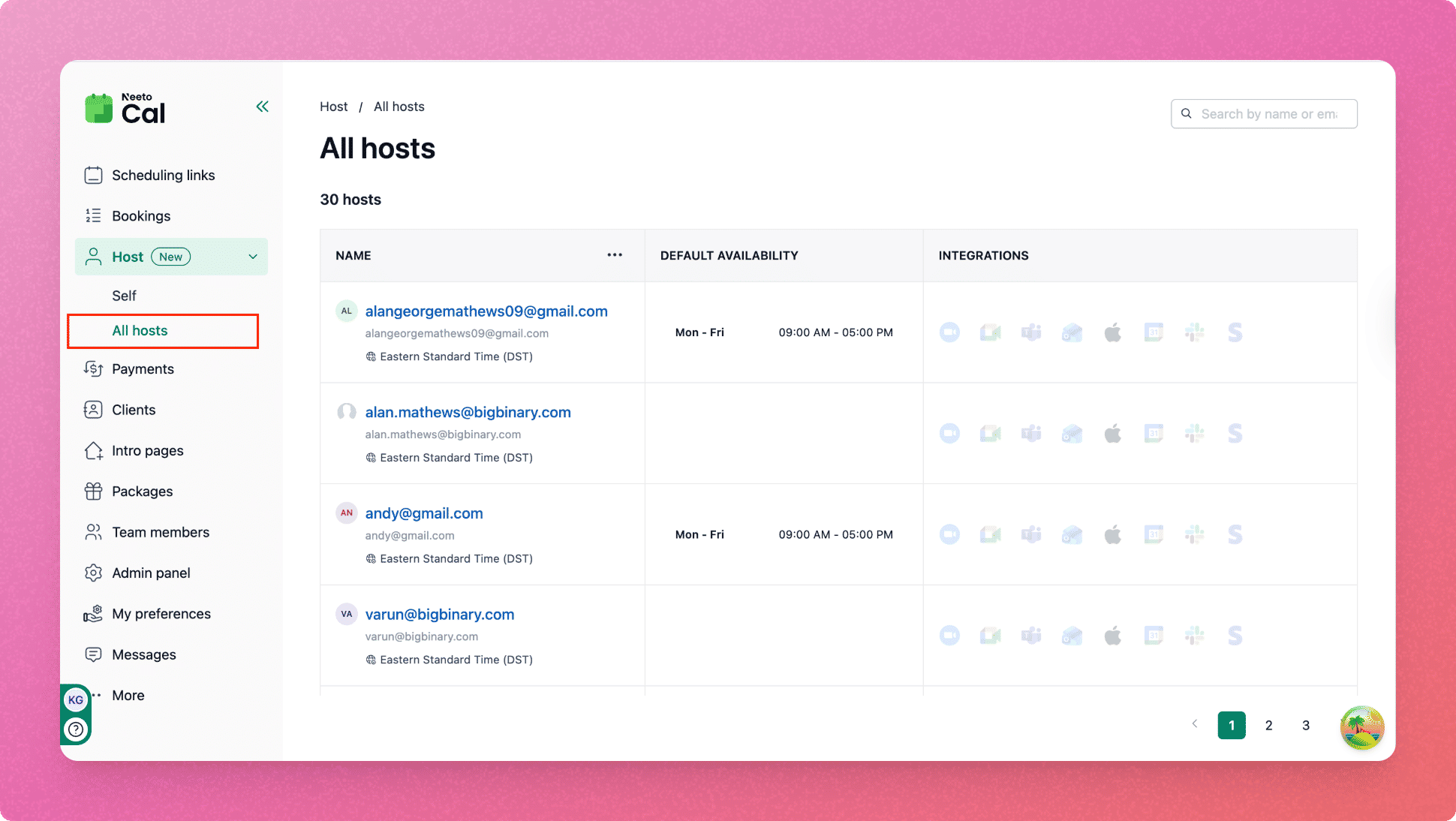
Admins get an additional All hosts view that shows a directory of all team members, including their timezone, default availability, and integration status. Clicking on any host opens a detailed view with clear navigation.
Why is it useful
Centralizes all personal host settings in one place.
Makes it easier for admins to review and manage hosts at scale.
Provides a clear overview of availability and integrations across the team.
Reduces confusion as workspaces grow.
To learn how to use this, refer to this help article.