Hide the locked timezone
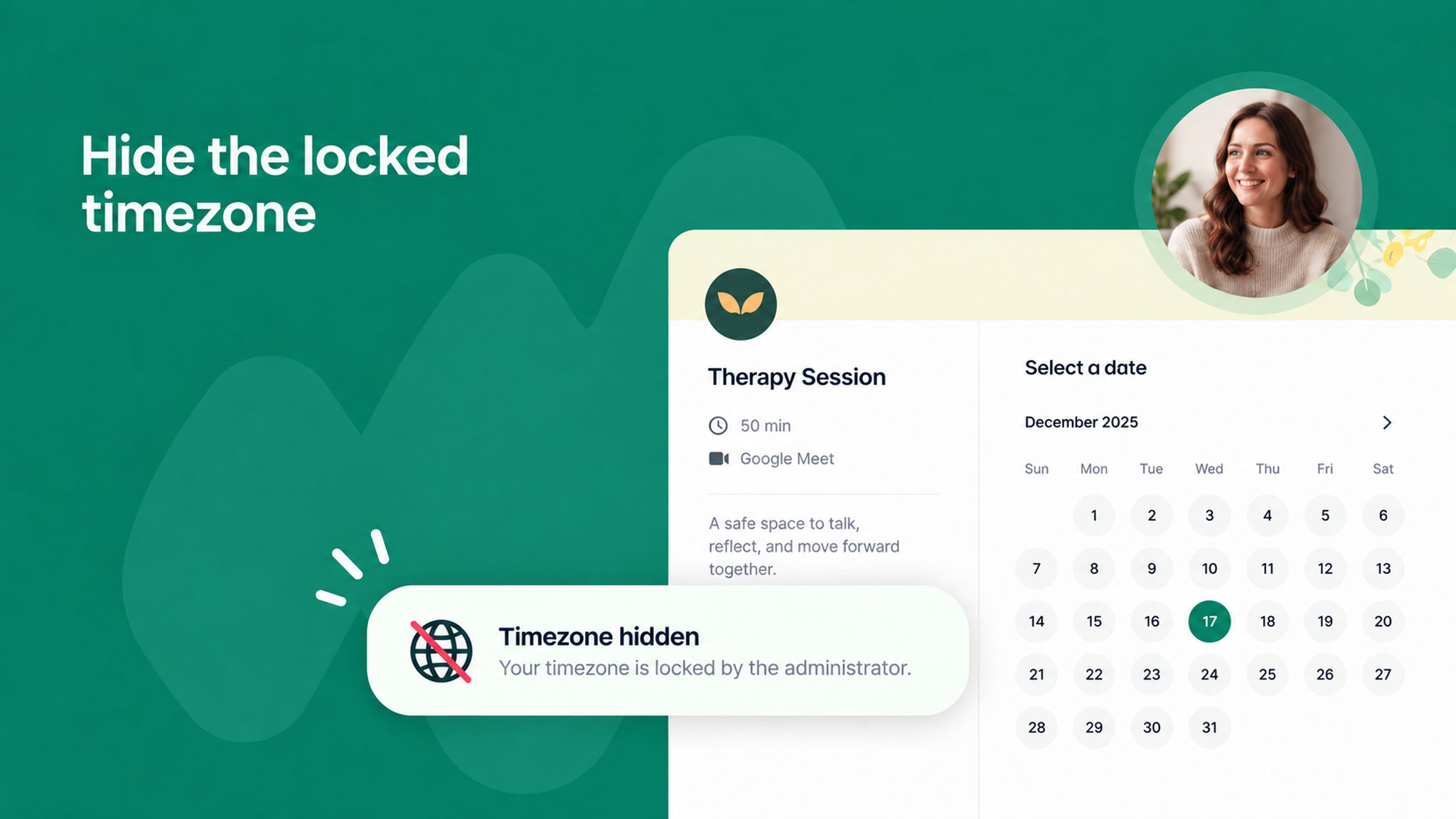
You can now hide the timezone on your scheduling pages when it is already locked. This helps avoid confusion for your customers, since they don't need to see extra information that isn't relevant to them.
You will find the new checkbox next to the lock timezone setting, both in the admin panel and at the scheduling link level. It appears only when the lock timezone toggle is turned on.
With it enabled, the locked timezone won't be shown to customers on the booking page.
To learn more, read our .