Google sheet integration
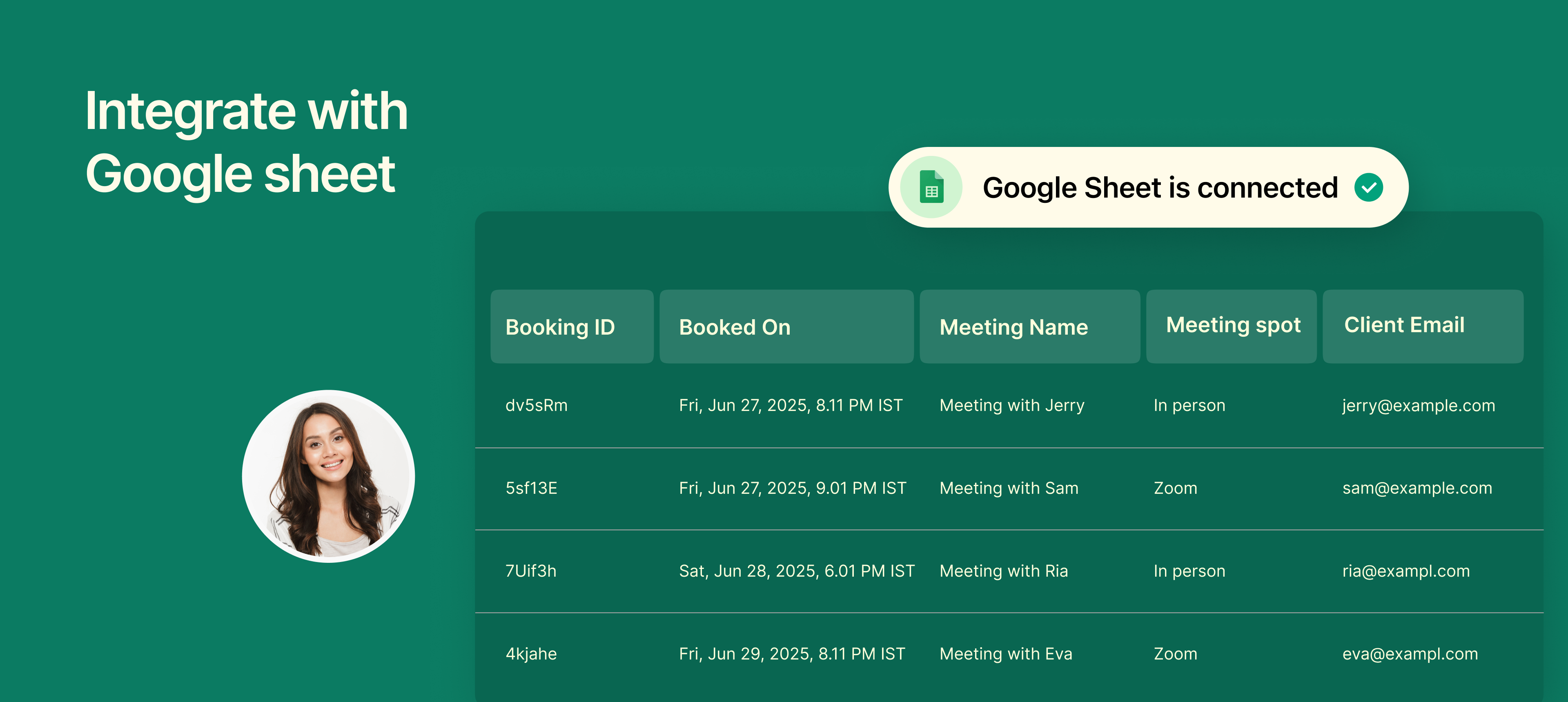
You can now connect your NeetoCal scheduling links to Google Sheets to automatically log every booking in a structured and shareable format.
Once connected, each new booking is instantly added as a new row in your Google Sheet, including client details, meeting time, and payment info (if applicable). This is especially useful if you want to maintain a centralized log of all your meetings, export data, or share booking info with your team.
Why it is useful
Automatically sync bookings in real-time, no manual copy-pasting.
Create custom dashboards or reports in Google Sheets.
Share booking data easily with your team or clients.
Filter, sort, or analyze bookings the way you want.
Keep historical booking records in one organized place.
Export booking data for backup, invoicing, or offline access.
Perfect for teams that prefer working out of spreadsheets or need a lightweight reporting system without jumping between dashboards.
To know how to integrate it, refer to this help article.