Fallback URL redirect for disabled scheduling links
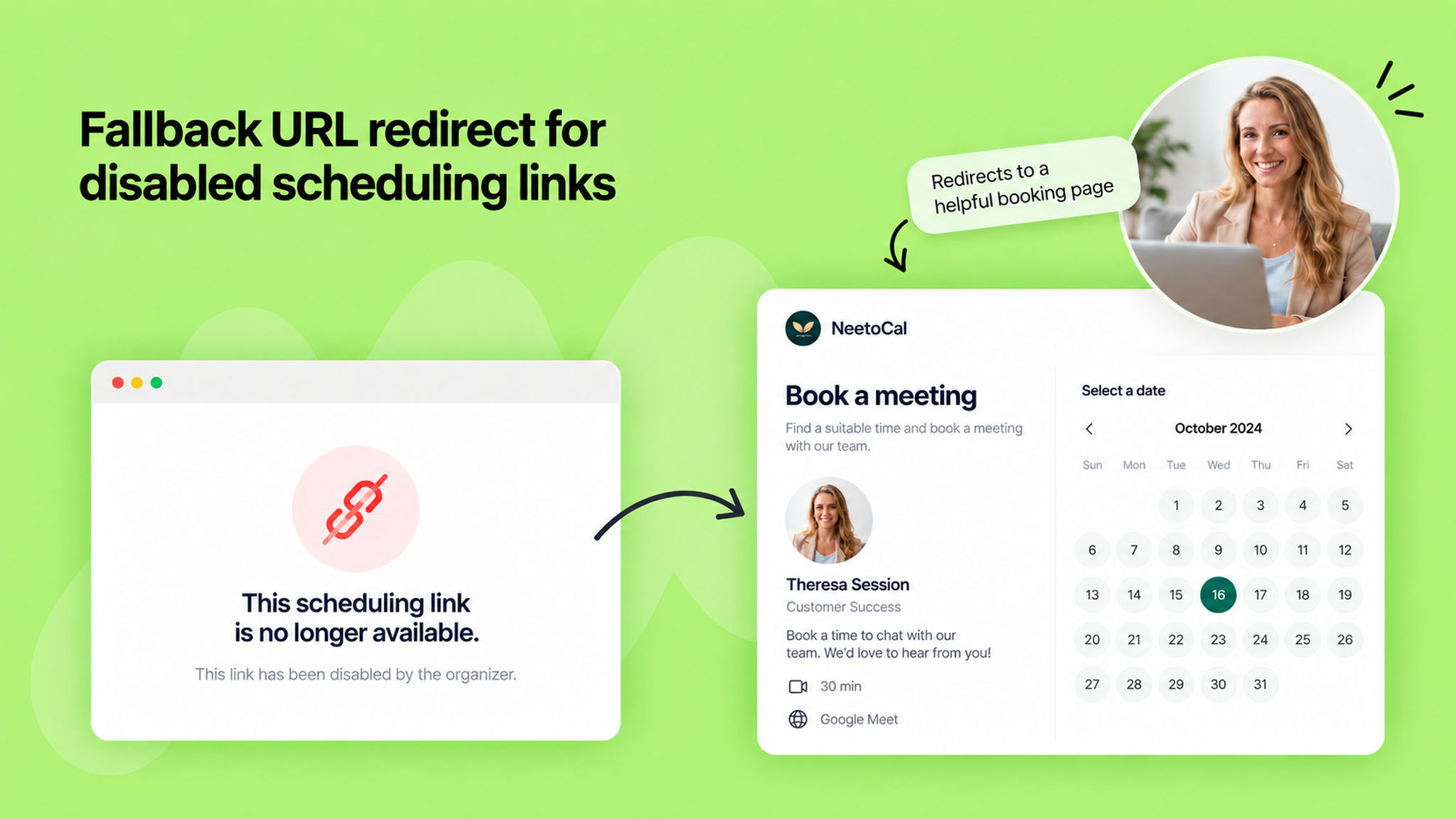
When a scheduling link is disabled, visitors used to land on a dead "inactive link" page, and that traffic was lost.
You can now set a workspace-level fallback URL that visitors are redirected to instead, so a disabled link keeps sending people somewhere useful, like a free consultation or contact page.
The redirect kicks in whenever a link is disabled, whether its host was removed from the workspace or an admin turned it off manually. If no fallback URL is set, visitors still see the standard inactive-link page as before.
To keep admins in the loop, the manual-disable confirmation and the remove-team-member modal now show where disabled links will redirect or nudge you to configure a fallback if you haven't yet.
The removal modal also lists exactly which scheduling links will stop working, grouped by whether the person is the only host or the main host of a multi-host link.
You can set this up under Settings → Scheduling Links → "Redirect disabled links." This setting is admin-only.
To learn more, read our .