Edit a scheduling link from its public URL
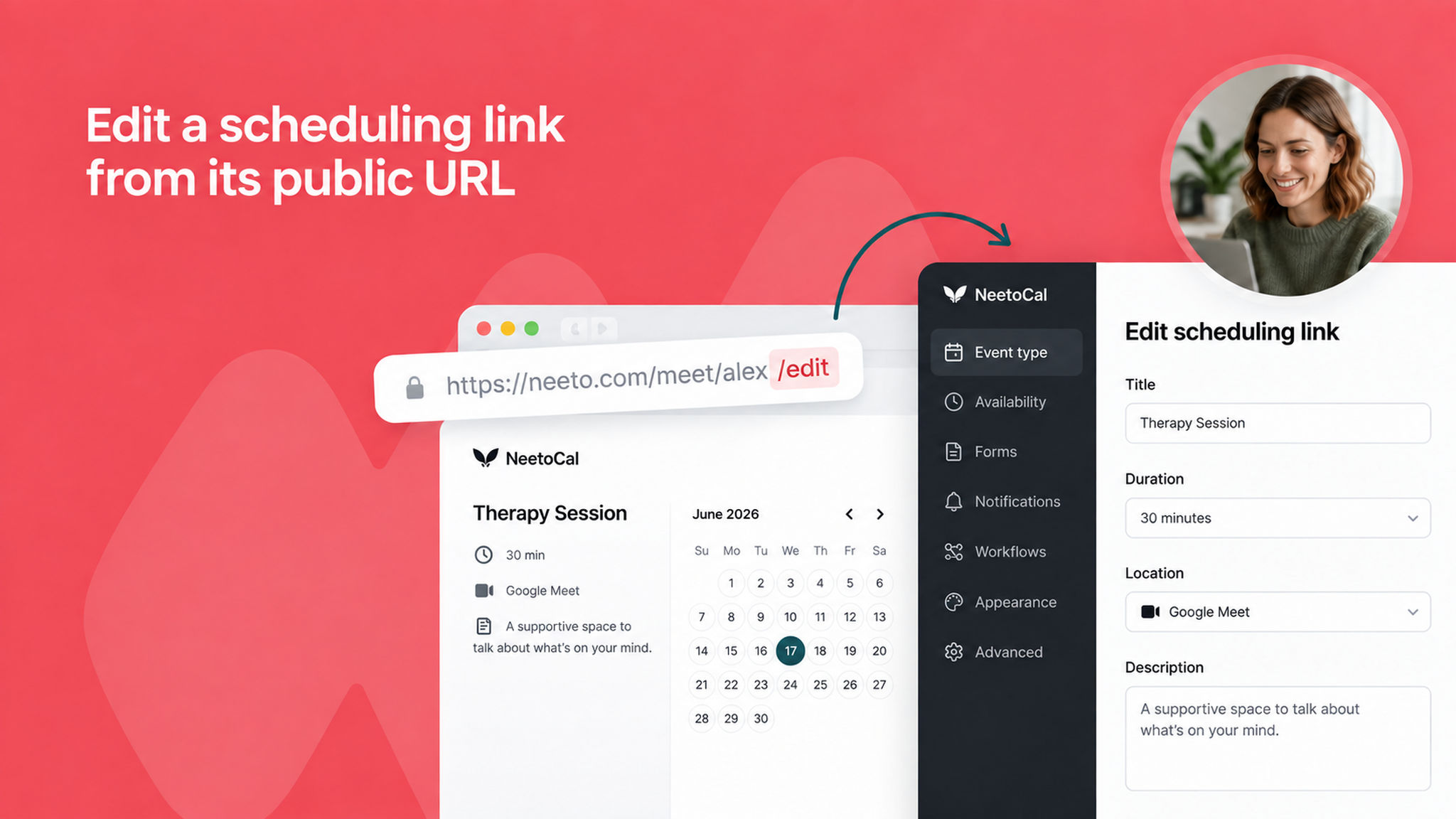
You can now jump straight to editing a scheduling link by adding /edit to the end of its public URL.
When you're viewing a live booking page and want to make a change, there's no need to navigate back through the admin panel to find the right link, just append /edit and you'll be taken directly to its settings (as long as you're logged in with edit access).
To learn more about scheduling links, read our .