Disable email notifications
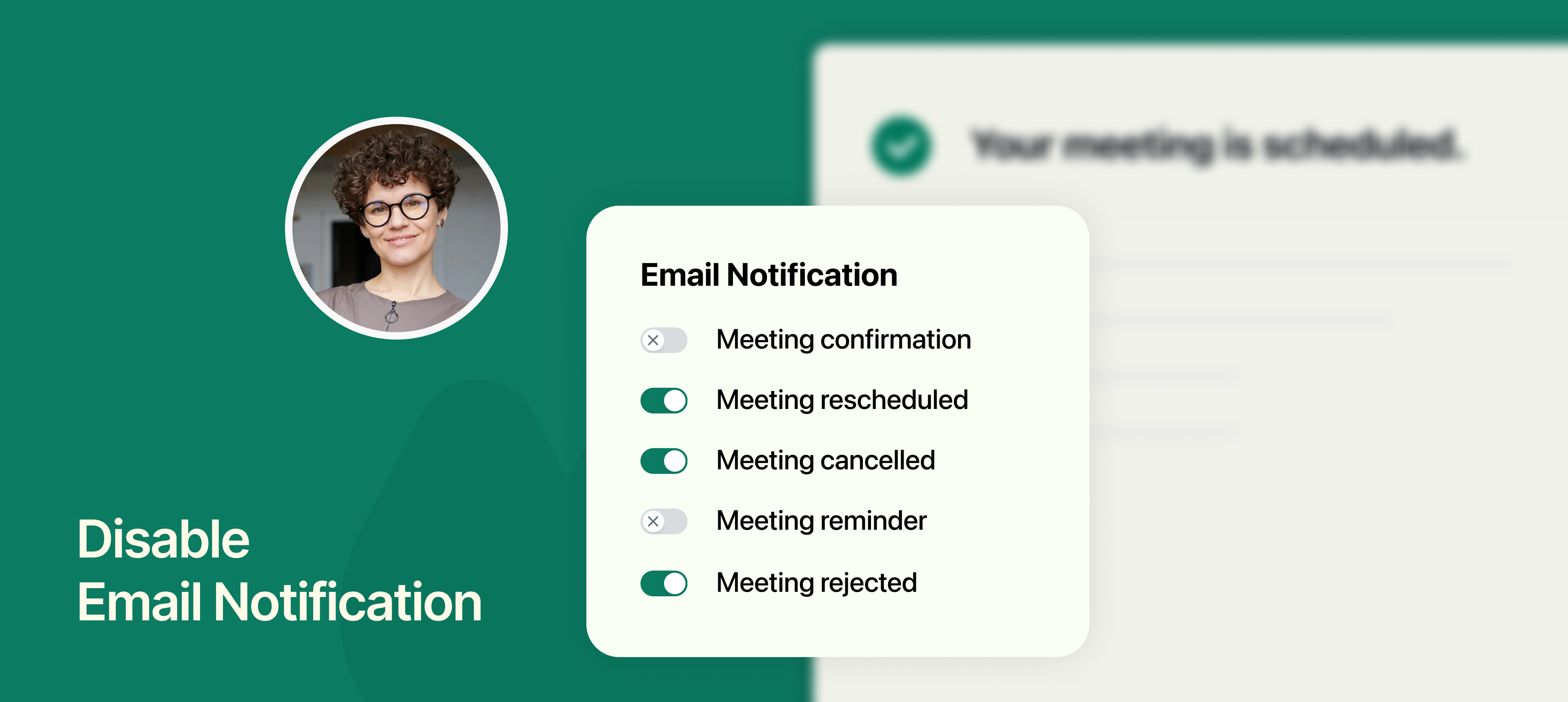
NeetoCal automatically sends email notifications to hosts and clients to keep everyone informed about their scheduled meetings. These emails cover important actions like confirmations, reminders, reschedules, cancellations, and approvals.
However, some teams prefer using their email systems, whether it’s for branding, personalization, or automation through tools like Zapier, Make, or a transactional email provider (e.g., SendGrid, Postmark). That’s why NeetoCal now allows you to turn off specific email notifications selectively.
What you can disable:
Meeting confirmation
Meeting rescheduled
Meeting cancelled
Meeting reminder
Meeting requested (approval pending)
Meeting rejected
All these notifications are enabled by default, but you can disable them individually based on your workflow needs.
To learn more how to use this, refer to this help article.