Create workflows using meeting outcome
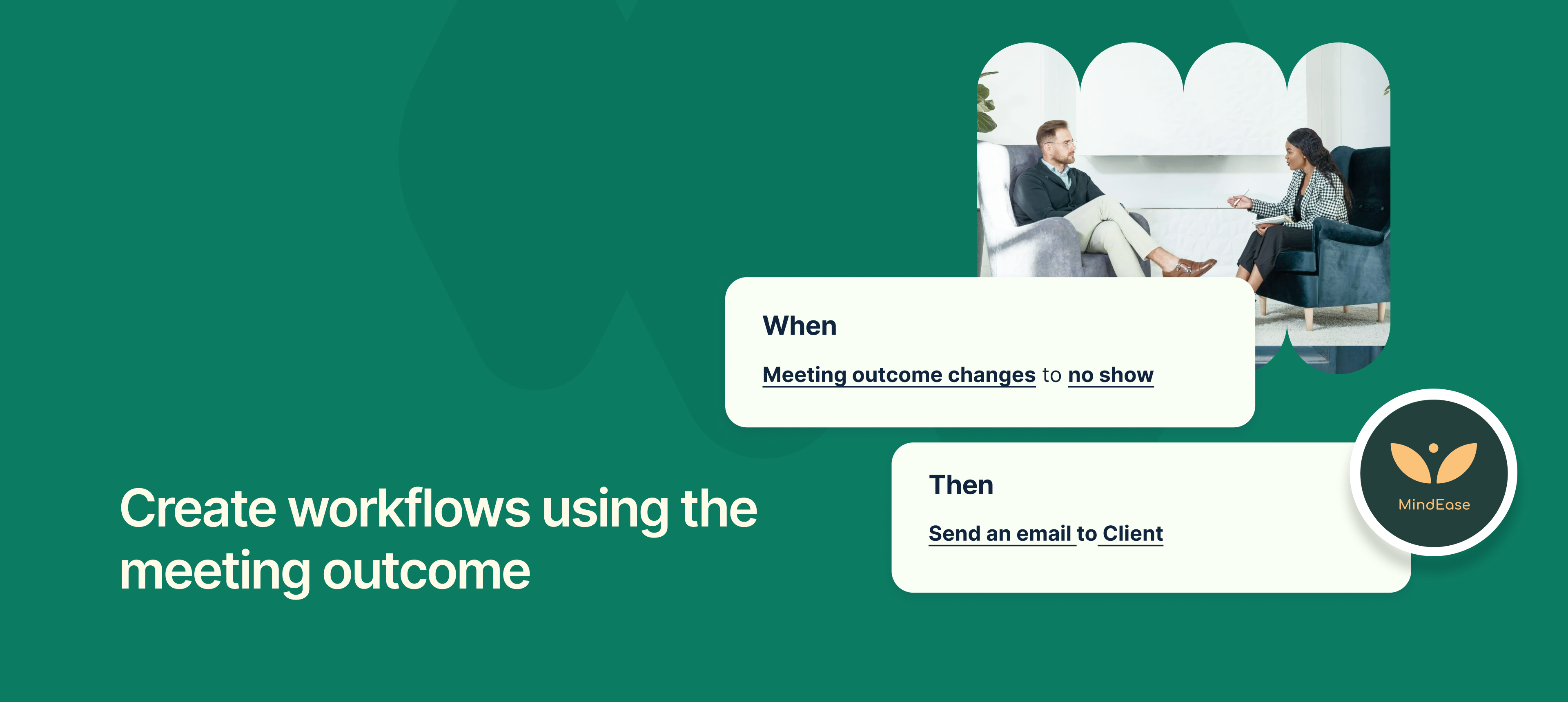
Meeting outcomes can now be used as triggers within NeetoCal workflows.
This means your automation can now react to how the meeting went. For example:
If the meeting was completed successfully, and you have added meeting outcome as 'Lead converted". You can now automatically send a next-step email for further actions that are required.
If it is no-show, you might send an email with a scheduling link and offer alternative times.
This makes your post-meeting communication smarter and more relevant, reducing manual follow-ups and helping you stay proactive in client engagement.
It also integrates well with internal processes, like CRM updates or internal tracking based on meeting status.
To learn more about how to use this feature, read our help article.