Resend and signing notifications for contracts
We have made working with contracts smoother with two improvements.
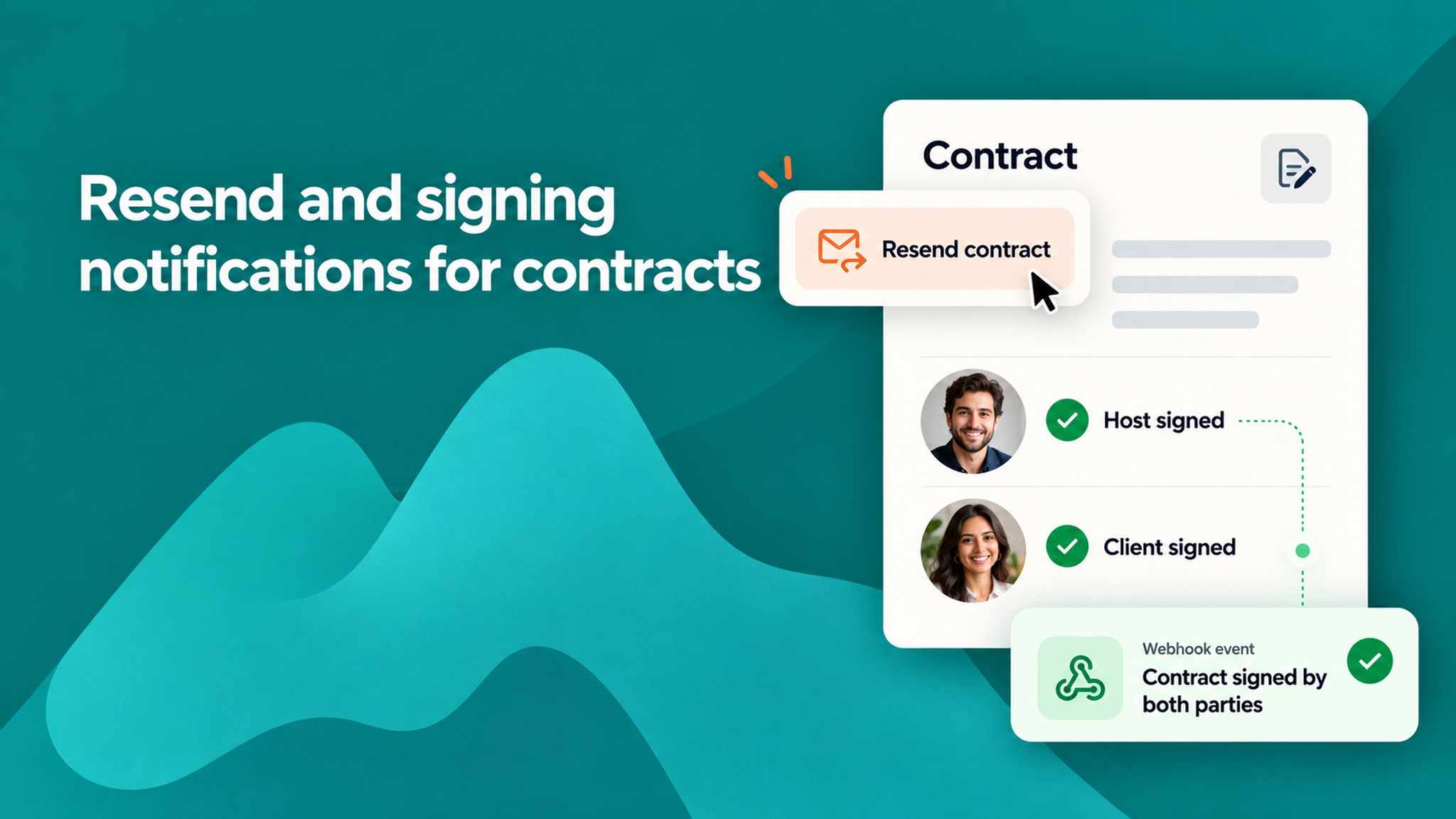
Resend a contract. You can now resend a contract to a client whenever you need to. This is handy when a client missed the original email, cannot find it, or needs a fresh copy to sign. Earlier, if a contract was not signed, there was no easy way to send it again. Now you can trigger it right from the booking, so you spend less time chasing signatures.
Get notified when a contract is signed. A new webhook event, "Contract signed by both parties", fires once the host and the client have both signed. Until now, nothing left NeetoCal when a contract was signed, so the only way to know was to open the Contracts page and check.
With this event, your connected tools find out the moment a contract is fully signed. This is ideal when signing decides what happens next, such as allocating a team member or kicking off the next step in your process, so your workflow can move forward on its own.
The new event arrives switched off, so turn it on from your webhook settings when you want to start receiving it.
To learn more, read our help article.