Change video link or meeting place
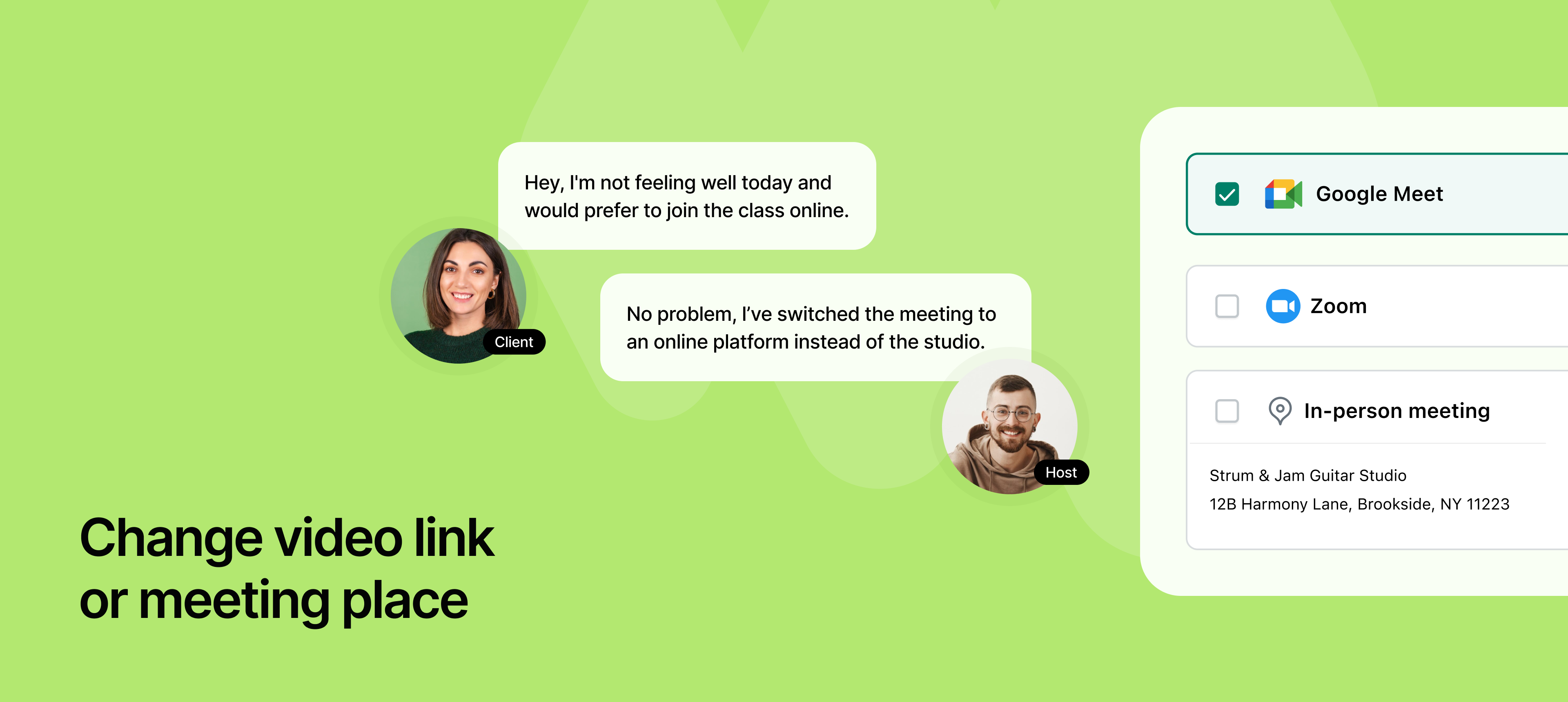
NeetoCal now gives you the flexibility to update your meeting location, whether it's a video conferencing link or a physical address, without needing to cancel or reschedule the appointment. This feature is useful when plans change after a meeting is booked.
For example, if you originally scheduled an in-person meeting but later decide to switch to a virtual one, you can easily update the location without affecting the meeting time. Similarly, if you prefer using a different video conferencing platform than what was initially selected, such as moving from Zoom to Google Meet, you can make that change now with just a few clicks.
Once the meeting location is updated, both you and the invitee will automatically receive an email notification with the revised details, ensuring everyone is aligned without any additional coordination.
To learn more about how to use this feature, read our help article.