Accept cash payments
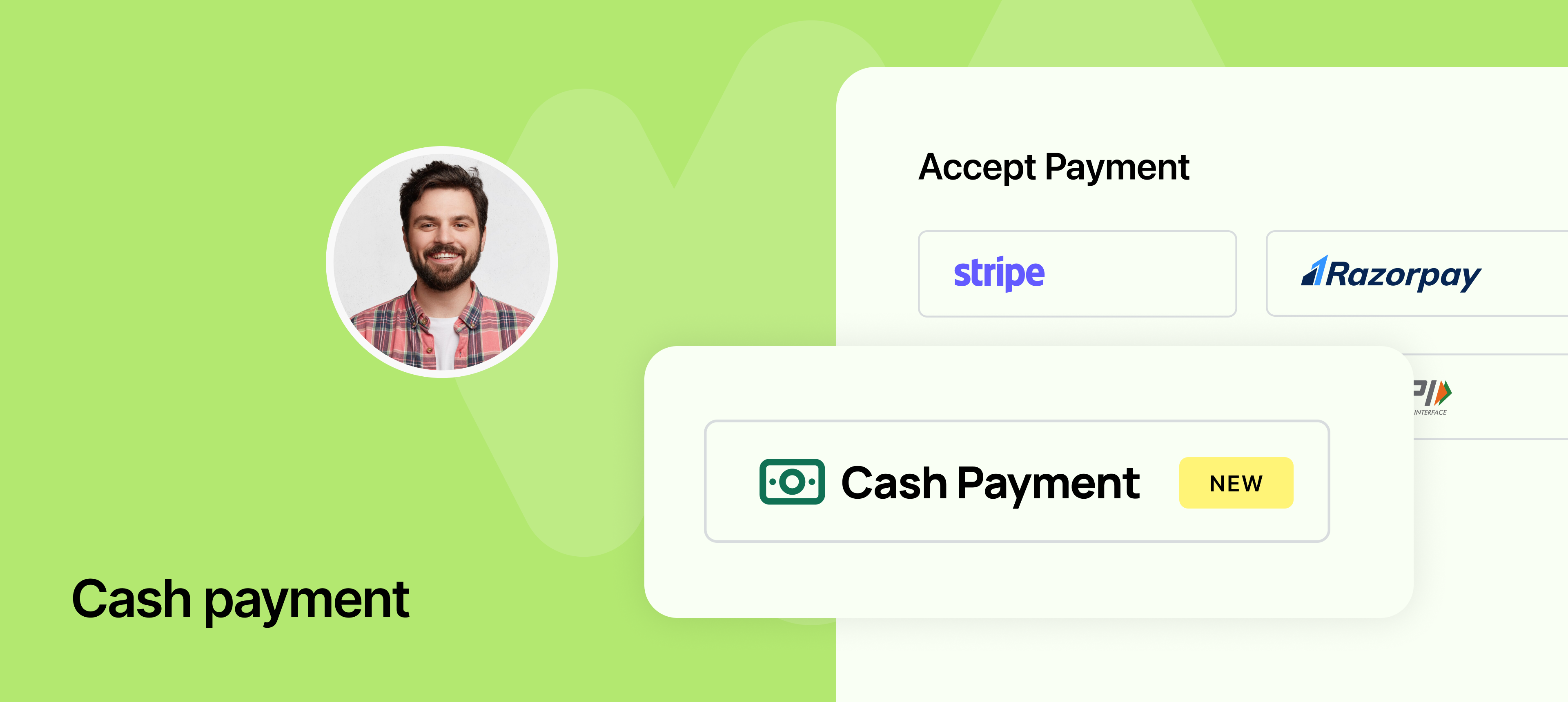
Not every transaction needs to happen online. With this update, you can now enable Cash as a payment method when setting up your scheduling links in NeetoCal.
This is perfect for businesses or professionals who collect payments in person but still want to use NeetoCal to manage appointments and maintain a record of bookings.
How it works
When creating or editing a scheduling link, you can now select Cash under payment methods.
On the booking page, your clients will see "Cash" as an option and can proceed with the booking without making an online payment.
The booking will still be tracked in NeetoCal, giving you full visibility into both paid and unpaid appointments.
This feature is especially useful for therapists, consultants, salons, or anyone who collects offline payments but wants to streamline their scheduling experience.
To learn more about this feature, read our help article.