Block specific email addresses from booking
New feature
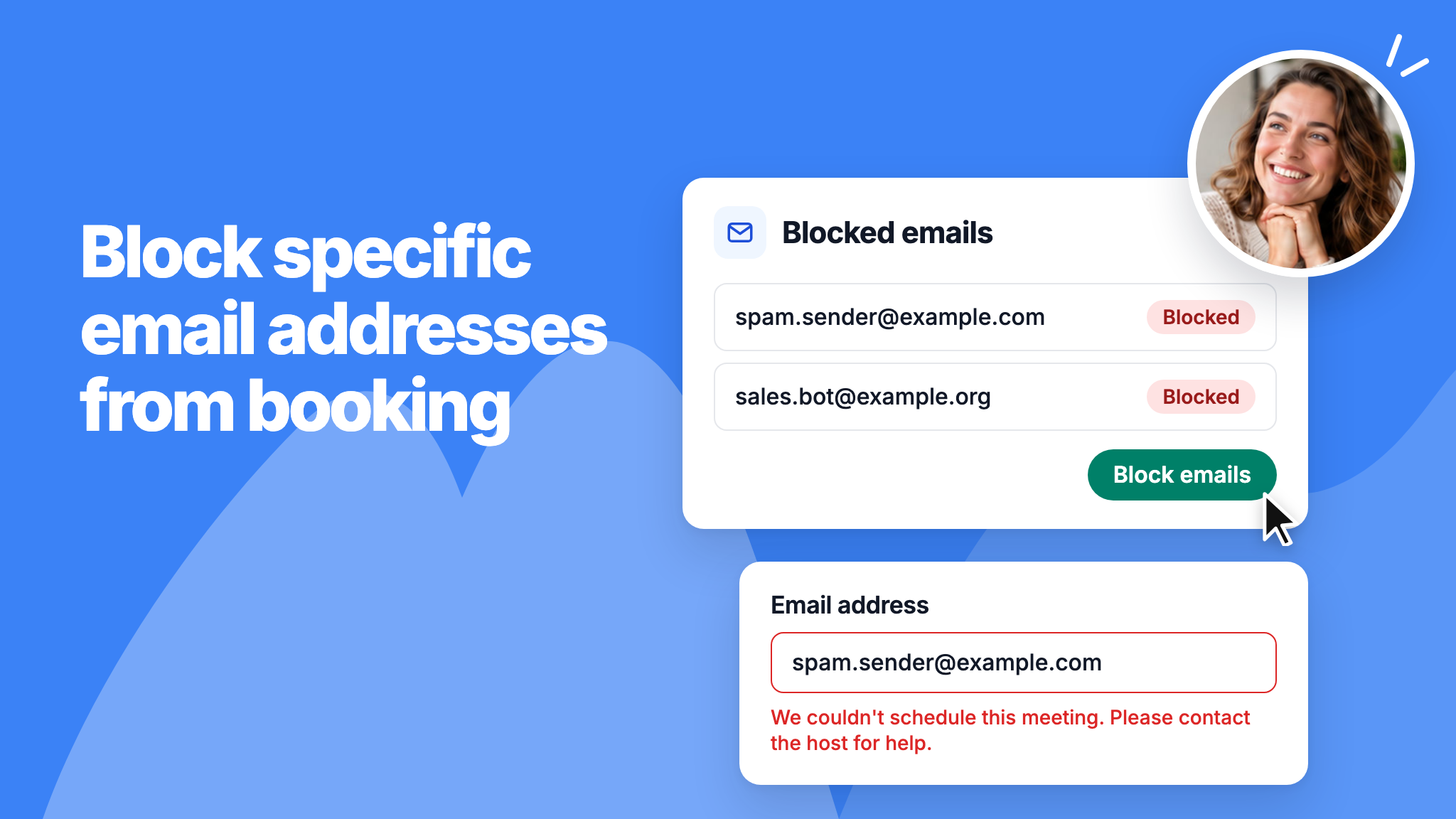
You can now block individual email addresses from booking meetings or buying packages in your workspace. Until now you could only block whole email domains, which doesn't help when the person uses Gmail or another common provider.
Add addresses under Admin panel > General > Blocked emails, or block a client straight from their booking. Blocked addresses can't book any scheduling link, and the bookings they already have stay as they are.
To learn more, read our help article.