Assign color to the scheduling link
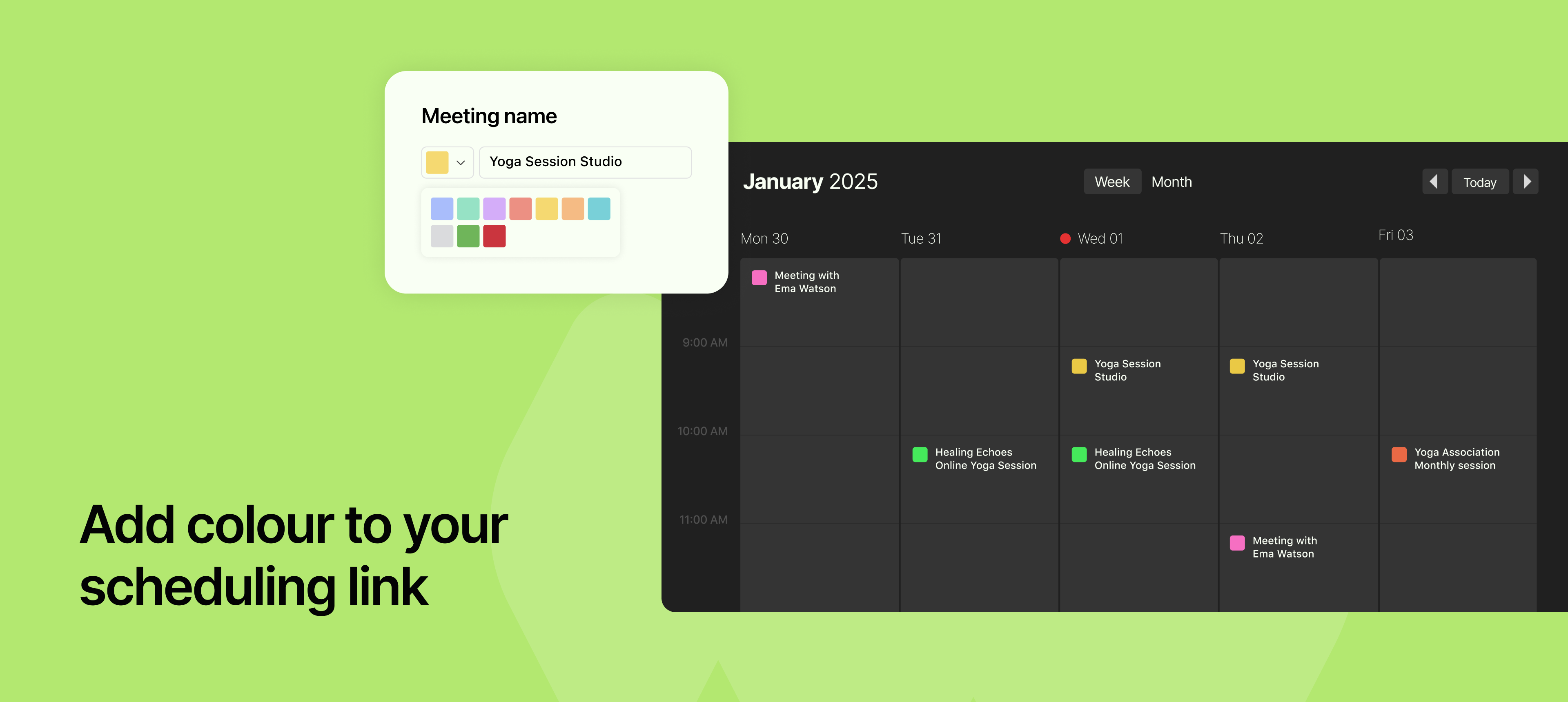
You can now assign a color to each of your scheduling links, giving you a simple yet powerful way to visually organize your calendar and dashboard.
Colors appear next to each link, helping you instantly identify the type or category of the link, whether it’s a demo, paid session, team sync, or intro call.
This becomes even more helpful when you're managing a large set of links or when multiple team members are involved. It brings a clear visual cue that reduces confusion and saves time when picking the right link to share or update.
You can use your colour-coding style based on purpose, priority, or departments.
To learn more about how to use this feature, read our help article