Add on services
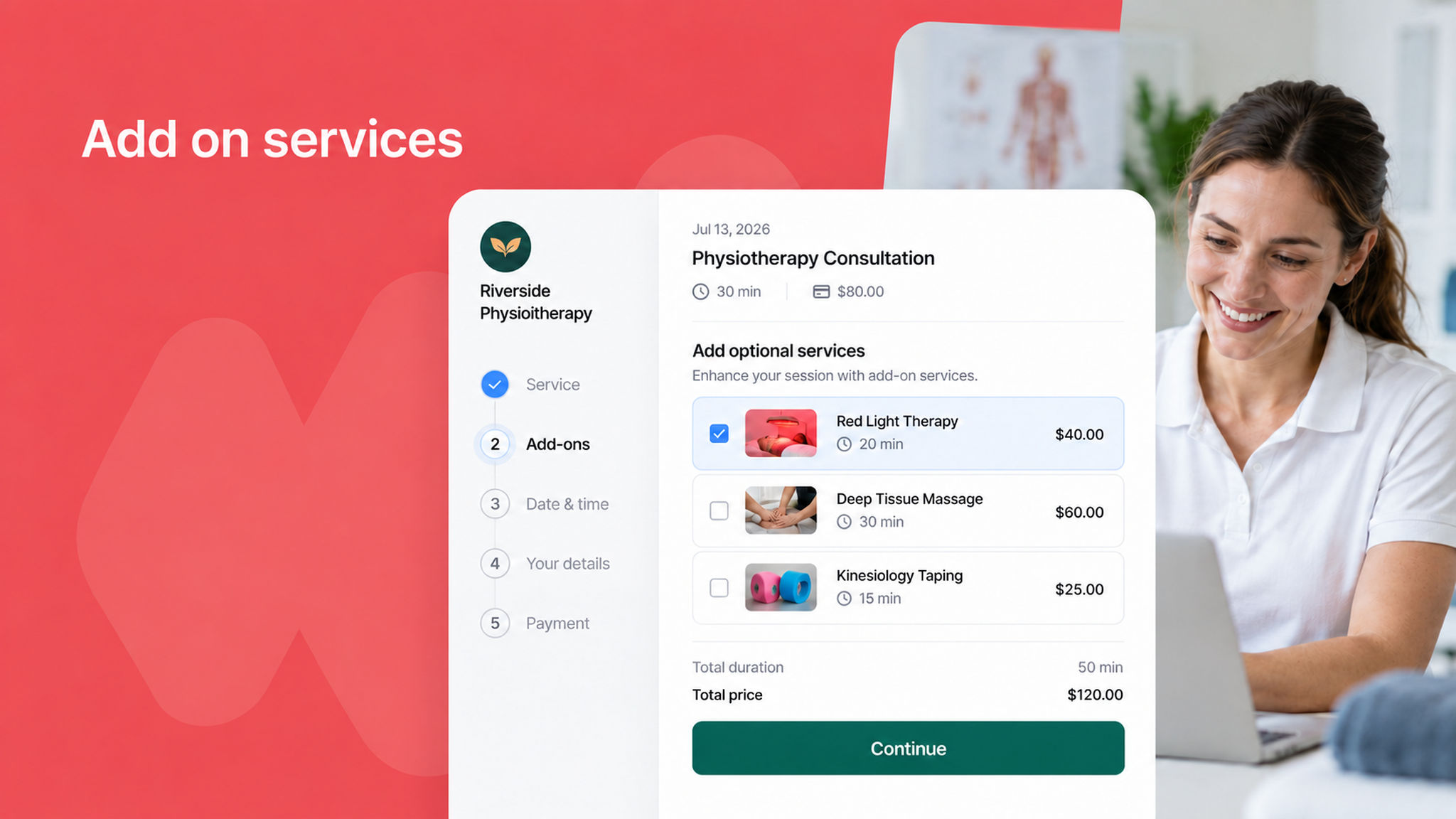
You can now offer add-on services on a scheduling link, so clients can add extras to whatever they are booking. For example, a physiotherapy clinic can offer red light therapy as an add-on service alongside the main consultation.
Each add-on service has its own duration and its own price. When a client picks one while booking, its duration is added to the meeting duration so the slot covers the full appointment, and its price is added to the amount collected at checkout.
Until now, offering extras meant creating a separate scheduling link for every combination, or sorting it out with the client after the booking came in. Now it is all handled up front, while they book.
Selected services show up everywhere you would expect: the booking details, confirmation emails, the bookings list, exports, and the external API.
To learn how to set this up, read our