Add guests for upcoming meeting
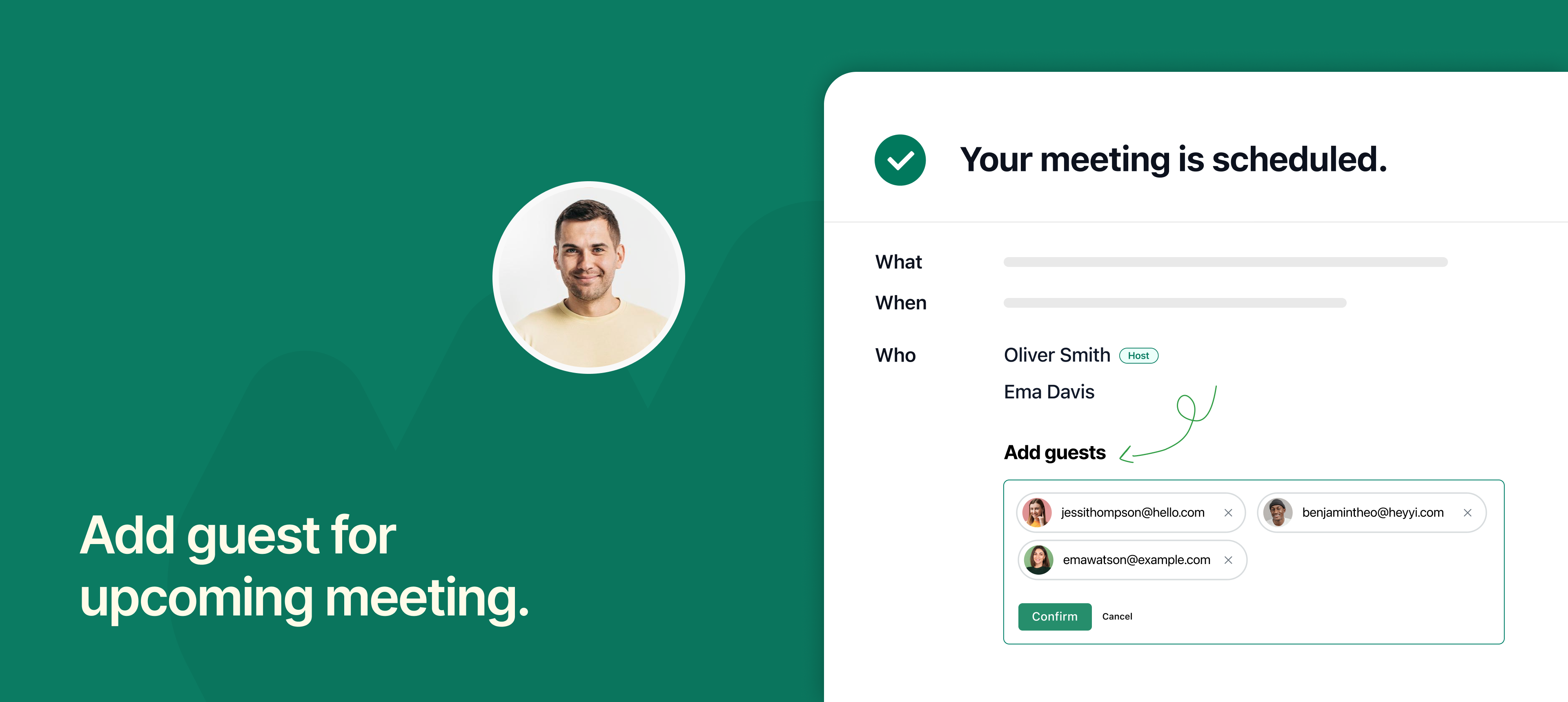
NeetoCal now lets you add guests to an already scheduled meeting, as long as the meeting hasn’t started yet.
This is helpful when a client wants to bring someone along or you decide to loop in a colleague, manager, or team member after the meeting is booked. Instead of cancelling and rebooking, you can add the new guest directly from the meeting confirmation page.
The guest will receive the same meeting invite and join link, keeping everyone on the same page and avoiding confusion.
This feature saves time, improves coordination, and helps ensure the right people are part of the conversation, especially for interviews, demos, or group discussions.
To learn more about how to use this feature, read our help article.